Phone:
+85295718875
Email:
support@just-wonders.com

Phone:
+85295718875
Email:
support@just-wonders.com
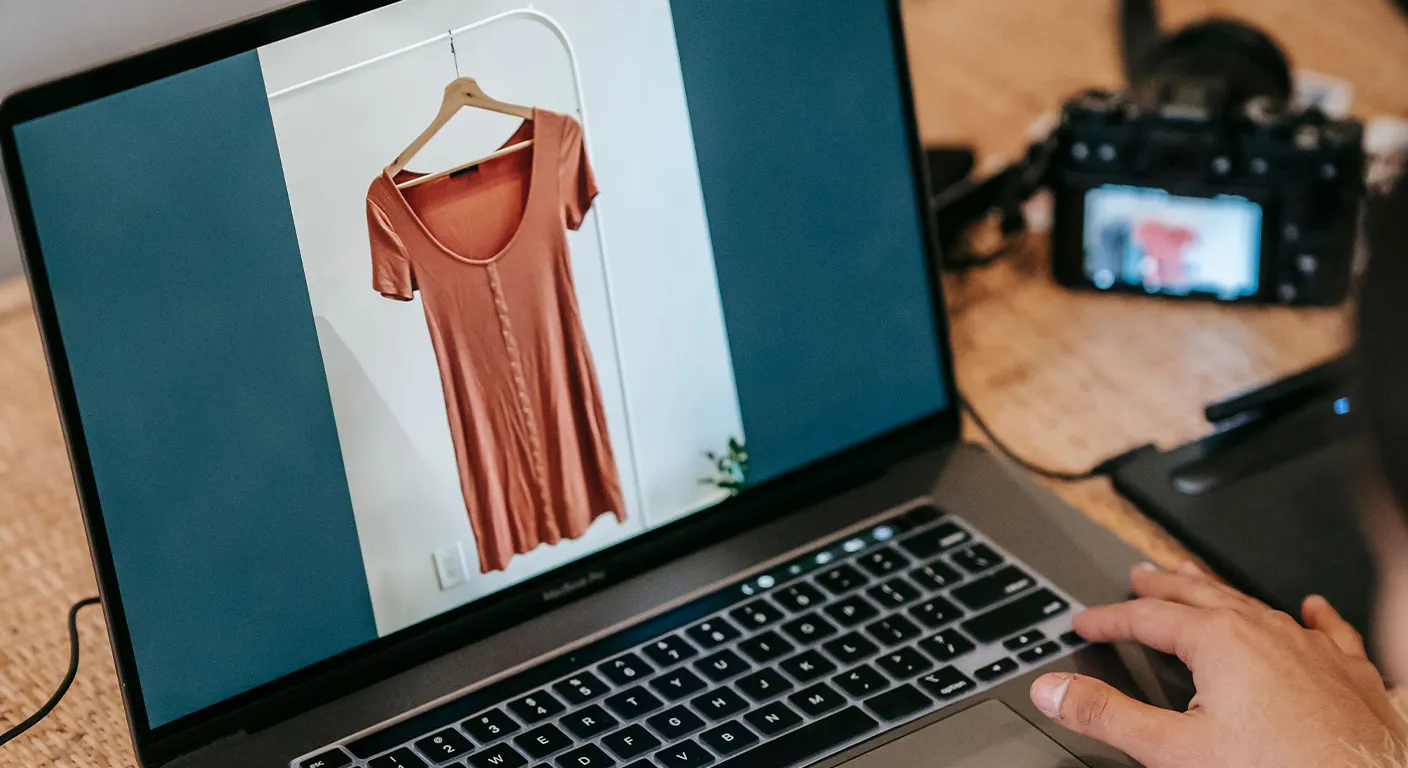
In the competitive world of e-commerce, shopify product photography plays a decisive role in turning browsers into buyers. For Shopify sellers, high-quality images are more than decoration. They build customer trust and drive a high conversion rate. Poor photos lead to hesitation and abandoned carts, while professional visuals highlight product benefits and encourage quick purchases. This guide shares practical shopify product photography best practices that Shopify sellers can use right away to boost sales.
Shopify product photography directly impacts how customers perceive your store. Studies show that products with multiple high-quality images can achieve up to 30% higher conversion rates. Visitors cannot touch or try items online, so clear photos reduce uncertainty and answer questions before they arise.
Shopify sellers who invest in strong visuals often see lower return rates and higher average order values. Customers feel more confident when they see details, textures, and real-life use. This trust leads to faster buying decisions. In dropshipping and retail stores alike, superior shopify product photography separates successful shops from those struggling with low engagement.
Successful shopify product photography starts with planning. Focus on consistency across your entire catalog. Use the same lighting style, background, and angle approach for every product. This creates a professional look that strengthens your brand.
Shopify sellers should aim for 5-8 images per product. Include a hero shot, multiple angles, close-ups, and lifestyle images. This variety helps customers understand scale, features, and usage.
You do not need an expensive studio for great shopify product photography. Many Shopify sellers start with simple home setups that deliver professional results.
Keep your setup simple at first. Test different times of day to find the best natural light. Consistency in your setup is more important than fancy equipment for maintaining a high conversion rate.
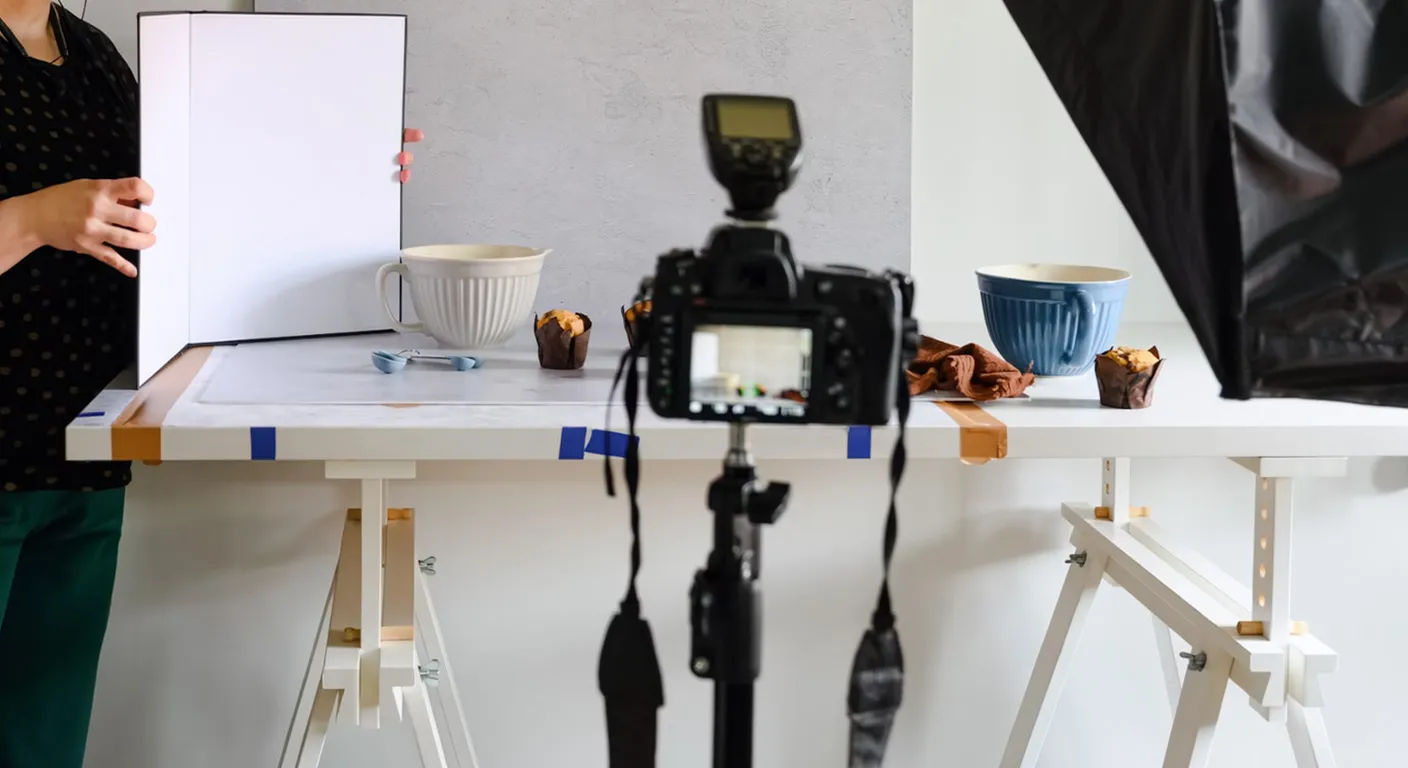
Lighting is the foundation of excellent shopify product photography. Bad lighting creates harsh shadows or dull colors that hurt trust.
Try these practical methods:
For Shopify sellers selling beauty, jewelry, or apparel, diffused light prevents overexposure and keeps colors accurate. Proper lighting makes products look premium and helps achieve a high conversion rate.
Clean backgrounds keep attention on your products. Most experts recommend white or light gray for main images in shopify product photography. Shopify displays these images prominently in search results and collections.
Follow these composition rules:
Lifestyle shots with relevant props add context without cluttering the main images. Shopify sellers benefit from mixing studio and lifestyle shopify product photography to tell a complete story.
One static photo is rarely enough. Strong shopify product photography includes various views that address customer questions.
Include these essential shots:
This comprehensive approach builds confidence. Customers who see details are less likely to return items, supporting a high conversion rate for Shopify sellers.
Technical details matter for shopify product photography. Shopify recommends specific settings for best performance.
Compress images without losing quality using tools like TinyPNG or Shopify’s built-in optimizer. Fast-loading photos improve user experience and support higher conversion rates. Always preview how images look on mobile devices, as most shoppers browse on phones.
Post-processing turns good photos into great ones. Shopify sellers can use free or affordable tools to refine images.
Basic editing steps include:
Avoid heavy filters that distort reality. Customers expect photos to match the actual product. Honest editing builds long-term trust and repeat business.
Many Shopify sellers lose sales due to these frequent errors in shopify product photography:
Review your store regularly. Replace weak images as you improve your skills. Fixing these issues quickly lifts your high conversion rate.
Once you master basic shots, add storytelling elements. Lifestyle shopify product photography shows products in real situations. This approach helps customers imagine ownership and increases emotional connection.
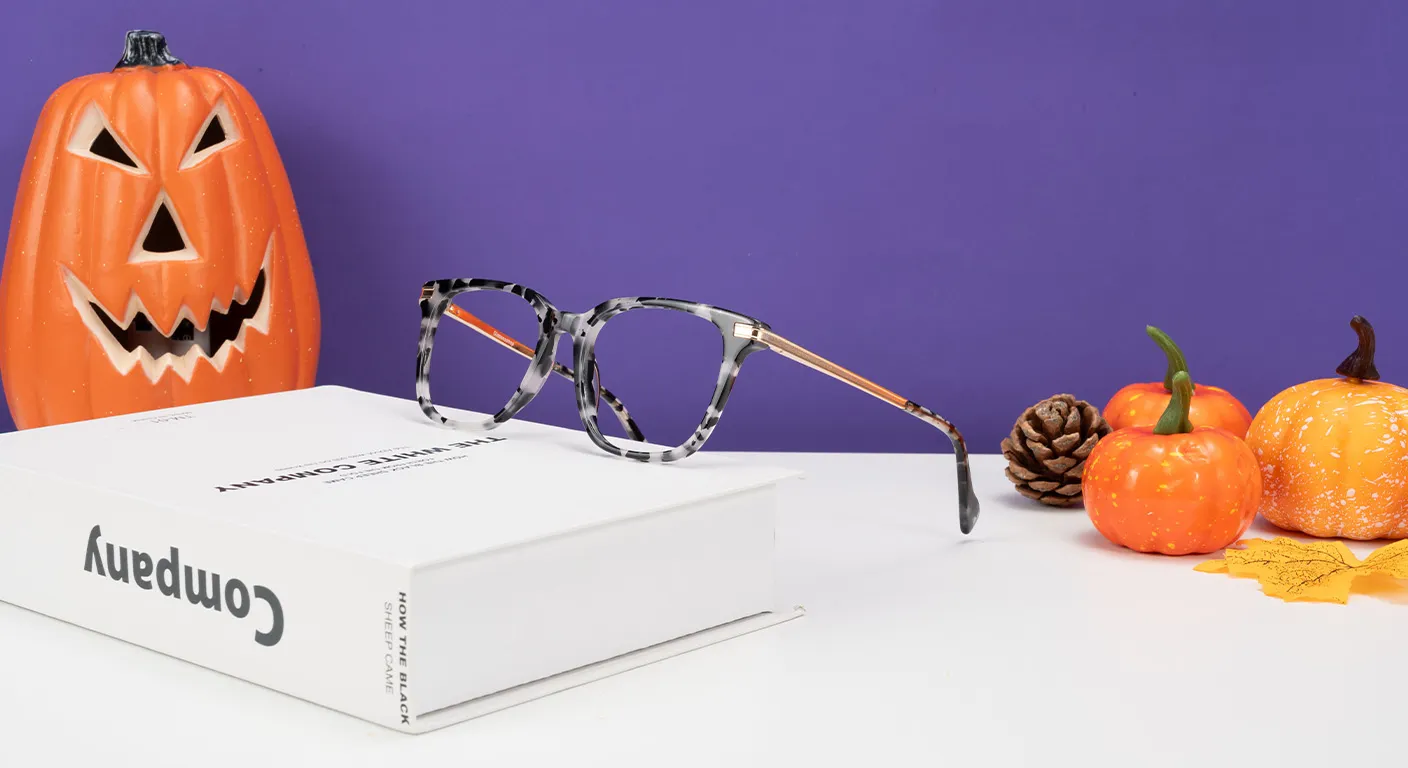
For seasonal campaigns, adapt your visuals. Holiday-themed backgrounds or props can make products feel timely. Shopify sellers who refresh photography for promotions often see spikes in engagement and sales.
Test different styles with small product groups before applying changes store-wide. Track performance through Shopify analytics to see which images drive the best results.
Several tools make shopify product photography easier:
As your business grows, consider outsourcing to professionals. This saves time and delivers consistent, high-end results tailored to your brand.
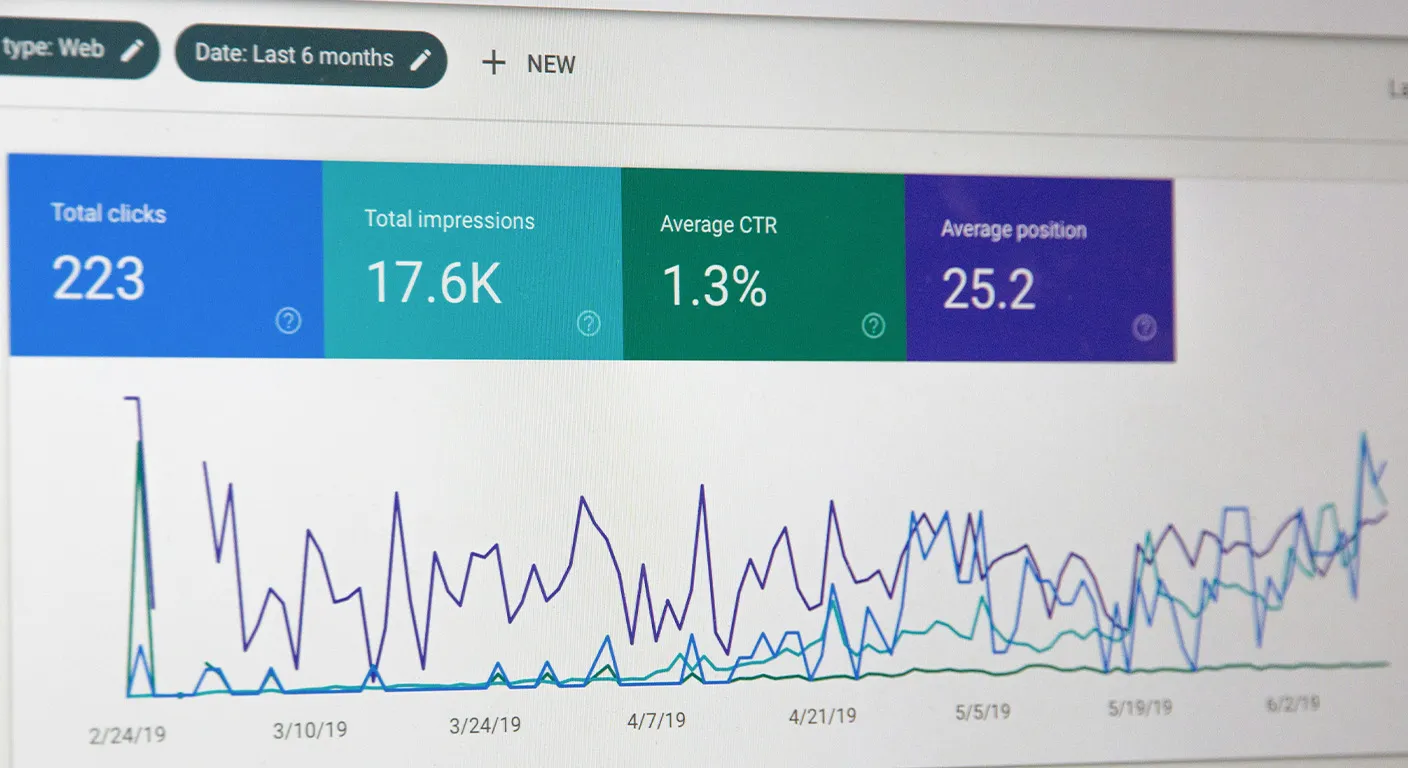
Great shopify product photography is an ongoing process. Monitor key metrics:
Use this data to refine your approach. A/B test different hero images to discover what resonates with your audience. Continuous improvement keeps your store fresh and competitive.
At Uploadtosell, we understand the challenges Shopify sellers face with shopify product photography. Our service handles everything from basic studio shots to fully customized, campaign-ready visuals.
We provide high-quality professional photography with fast turnaround times. Each package includes multiple real product photos shot to highlight features and benefits. Our team adapts styles for holidays, promotions, or specific brand aesthetics while maintaining consistency.
Shopify sellers working with us benefit from sales-focused images that build trust and drive a high conversion rate. We combine photography with sourcing, customization, and store support to create a complete growth solution. From standard clean shots to creative lifestyle compositions, our adaptable approach helps your products stand out and sell faster.
Ready to elevate your shopify product photography? Visit Uploadtosell today and discover how our expert team can transform your product visuals and boost your store performance.