Phone:
+85295718875
Email:
support@just-wonders.com

Phone:
+85295718875
Email:
support@just-wonders.com
Make your packing slip match each parcel. Check quantities, gift details, printed layouts and warehouse handoffs before orders leave your China fulfillment team.
If a customer opens one parcel and sees three items listed but finds only two, your paperwork has created a problem before support even replies. A packing slip should describe what is actually inside that parcel, not simply repeat everything the customer originally ordered. Start with the confirmed shipment, show clear item names and quantities, and give the recipient a straightforward way to report a difference.
For a store shipping individual orders from China, the difficult part is usually the handoff between your order system and the people preparing the box. Items can be removed, quantities can change, and an order can leave in more than one parcel. A beautiful template cannot fix outdated information. Here is how to make the document useful without adding unnecessary work or exposing information the recipient does not need.

Think of it as a contents checklist shared by the packer and the recipient. Before sealing, it helps someone compare the selected goods with the shipment record. After delivery, it helps the customer identify the items and explain a discrepancy. Those are related uses, but neither proves that the correct goods were physically packed. Someone still needs to perform the check.
Shopify's guide to the document and its uses explains this distinction between an internal contents list and the shipping label attached outside. The guide also describes how the list can support returns and exchanges. Use that as a starting point, then adapt the fields to your actual fulfillment process rather than copying every possible field into a crowded page.
The exterior label tells the carrier where the parcel should go. An invoice records the transaction and may contain prices or payment information. Customs documentation serves a separate purpose and depends on the route and goods. Your customer-facing contents list does not replace either of those documents. Keep their roles separate even when several documents draw information from the same order record.
Use a recognizable order reference, a shipment or parcel reference when needed, and the items included in that particular package. Each line should have a readable product name, the relevant variant and a quantity. An SKU, your internal item identifier, can help support trace a problem, but it should sit alongside a human-readable description rather than replace it.
For example, “Cotton pouch, navy, small” is more useful to a recipient than “CP-NV-S” alone. Keep the quantity visually separate from the product name. A customer should not have to guess whether “Pouch 2” means a model name, a two-piece set or two individual units. If you sell sets, state both the number of sets and what one set contains wherever that distinction matters. Match this to the component list used for bundle inventory so the same offer is described consistently.
Include enough recipient information to match the sheet to the correct parcel, plus your store name and a working support route. Do not add billing details, supplier costs or unrelated account notes just because they are available in an export. Decide which fields the packer and recipient actually need. A compact, legible document is easier to check than a miniature copy of your entire order database.
Generate the packing slip from the shipment you have approved for packing. Then keep that document with its corresponding goods until the final check is complete. A pile of printed sheets beside several open boxes creates an obvious opportunity for mix-ups, even when every sheet contains accurate information.
Before the box is closed, compare the order reference, item variants and physical quantities. Next, match the recipient and shipment reference against the exterior label. If a barcode is part of your process, test that it resolves to the intended record; a successful scan is not useful if it opens the wrong order. Where scanning is unavailable, use a consistent manual comparison rather than relying on box position on the table.
Any late change should trigger a fresh check. If one item is removed after the sheet is printed, replace the outdated copy and verify the revised contents. Remove obsolete paperwork from the packing area so it cannot accidentally return to the box. Record who confirmed the exception in your internal workflow, not as a confusing note intended for the customer.

Suppose order Q-104 contains two navy pouches and one gray pouch. You approve one navy pouch and the gray pouch to leave today; the second navy pouch will follow separately. The packing slip for today's parcel should list one navy pouch and one gray pouch as included. It should not show two navy pouches in a column labeled “In this parcel.”
If you also display the original order quantities, use separate, plainly labeled columns so the customer can distinguish ordered units from enclosed units. Add a short shipment note explaining that another item will follow only when that arrangement has actually been confirmed. Do not invent a dispatch date or write “Parcel 1 of 2” before the final parcel count is known.
The same principle applies to a replacement or an approved order cancellation. The packing slip must reflect the current shipment, while your order system retains the full transaction history. Tell support which reference links the parcel to the original order. Settle the shipping decision first, then make sure the paperwork follows it.
For the example order Q-104, use a header such as: Store: Example Store; Order: Q-104; Parcel reference: Q-104-A; Support: your verified support address. Replace all test values before operational use. The parcel reference links the document to this package; it does not claim how many packages the final order will require.
| Item / variant | Ordered | In this parcel |
|---|---|---|
| Cotton pouch / navy | 2 | 1 |
| Cotton pouch / gray | 1 | 1 |
These parcel contents total two units. For confirmed partial shipments, a short note could read: One navy pouch is not included in this parcel; contact our support team using order Q-104 for its confirmed status. Replace that wording with a known dispatch update when available, rather than inventing a date.
Test partial shipments separately from complete orders. Check that a later parcel lists only its own enclosed units and does not reprint the earlier quantity as newly included. Keep canceled units out of the enclosed column, while preserving the transaction history in your order system.
A packing slip for a gift can list the enclosed products without revealing the purchase price. But hiding prices is only one part of the setup. Check that the template does not print a billing address, a supplier invoice or internal comments alongside the item list. Preview the actual output, not just the fields you intended to hide.
Keep customer-facing gift messages separate from warehouse instructions. “Please leave out prices” is an instruction to the fulfillment team, not a line that belongs in the recipient's message. Similarly, a note asking someone to inspect a particular seam should become a check in the agreed preparation process, rather than an unexplained warning in the finished parcel.
Agree on how returns questions will be handled for gifts. A clear support address and order reference may be enough to begin the conversation, but they should not promise a particular refund or exchange outcome. Your published policy and the recipient's situation still matter. For cross-border shipments, keep any required transaction and customs information accurate even when you choose a price-free customer insert.
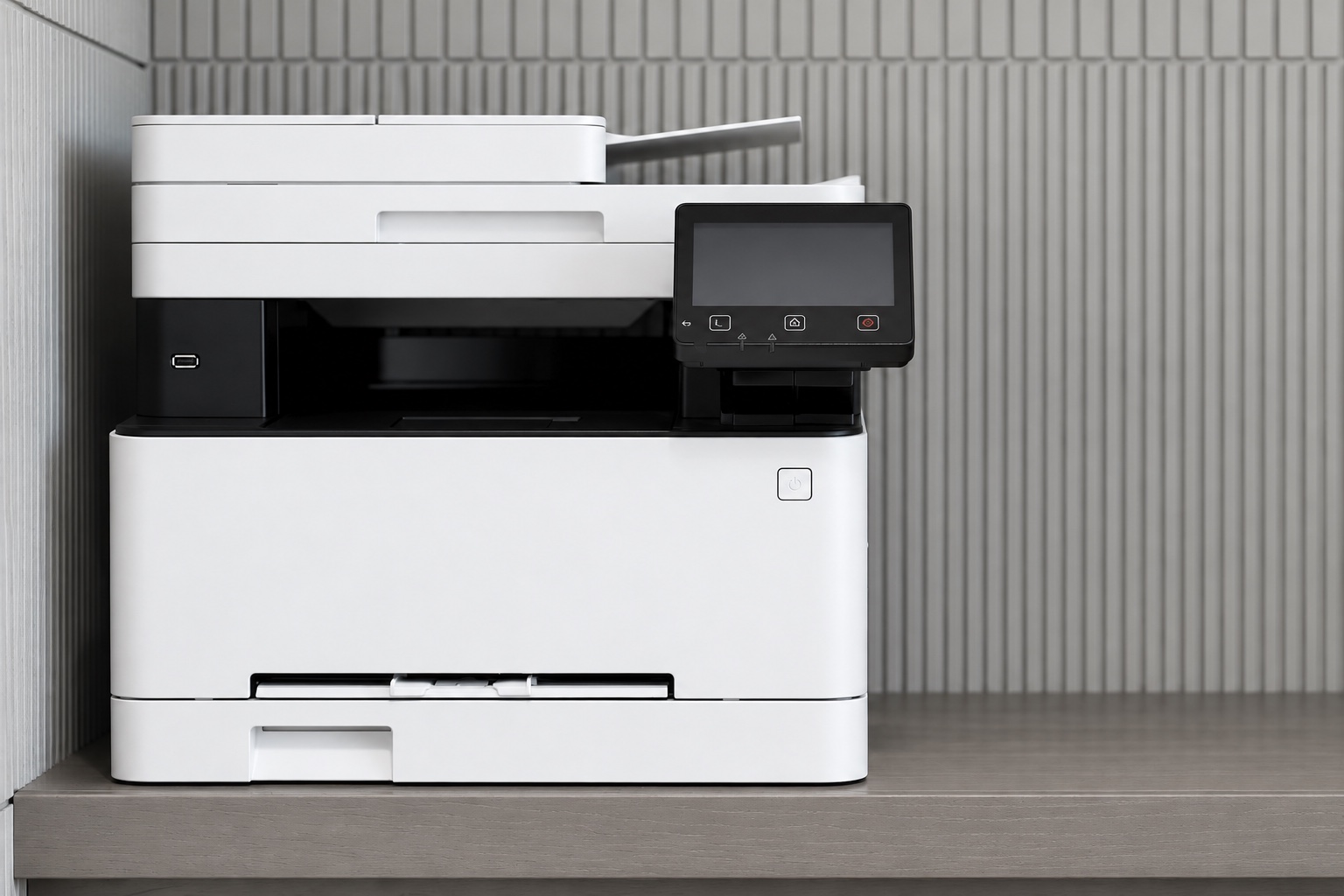
Previewing a packing slip on a large monitor can hide problems that appear on paper. Print a trial using the paper size and printer settings your fulfillment team will actually use. Check long product names, variant labels, quantities and support details at normal reading distance. Watch for pale gray text, clipped columns and information that disappears beyond the printable area.
Use several deliberately different test orders: one simple item, several variants with similar names, a long address and an order that needs more than one page. If a second page is necessary, keep the order reference on it and make the page sequence clear. A loose second sheet without an identifying reference can easily be separated from the first.
You do not need a photograph of a real customer's document to approve the layout. Use test data that exercises the same field lengths and edge cases. Confirm the final document again after a template change, a printer change or a change in how orders are imported. Saving a template successfully is not the same as confirming that it prints correctly.
For outsourced fulfillment, ask who creates the document, which shipment data they use and when that data becomes final. Confirm whether the warehouse can accept your file, produce its own approved version or work from a shared record. Do not assume that connecting a store automatically transfers every custom field or gift instruction.
UTS describes order submission and shipment updates as an arrangement agreed during onboarding in its sourcing and fulfillment workflow. Use that discussion to show a sample order, your proposed template and the exceptions you expect. Ask for confirmation of the actual process, including what happens when an item changes after the file has been sent.
There is also an important pricing distinction. The UTS service pricing page lists paper invoice insertion, but that does not establish that every customized contents document is included under the same service. Confirm the format, printing, insertion, materials and any associated cost for your request. Get the agreed scope written down before applying it across all orders.
Start with a small, representative test batch and check the output against the approved shipment records. Choose examples that exercise normal orders, multiple variants and a confirmed partial shipment. Ask the team to flag missing data instead of guessing. A short exception process is more useful than a long template that leaves the important decision undefined.
When a customer reports a mismatch, compare three things: the saved shipment record, the document version used and the reported parcel contents. A correct-looking sheet does not prove that the goods were present. Likewise, a missing sheet does not by itself establish that an item was omitted. Use the available packing records and the customer's account to investigate the actual difference.
Classify the problem narrowly enough to fix it. Was the quantity wrong before printing? Did an outdated version remain after an order edit? Were two parcels given each other's paperwork? Was a set description ambiguous? These causes need different corrections. Update the responsible step and repeat the relevant test, rather than adding another generic warning to every outgoing order.
The goal is a packing slip that helps someone check the box quickly and contact the right store when something does not match. Keep it tied to the confirmed parcel, limit it to useful information, and test the handoff from order data to printed page. Before your next batch, agree on one owner for changes and one final contents check before sealing.