Phone:
+85295718875
Email:
support@just-wonders.com

Phone:
+85295718875
Email:
support@just-wonders.com

When customers visit a Shopify store, they can’t touch, feel, or try the product. They decide based on what they see. That’s why product photography for Shopify stores isn’t just about taking pretty pictures—it’s about building trust, reducing hesitation, and driving sales. In this complete guide, you’ll learn how to use product photography strategically, with practical advice for different product types, so you can create images that convert browsers into buyers.
In physical stores, customers experience products with multiple senses. Online, product photography does all the heavy lifting. Studies show that over 75% of online shoppers consider product photos critical when making purchase decisions. Poor-quality or inconsistent images confuse visitors, lower trust, and directly hurt conversion rates.
Product photography for Shopify stores differs fundamentally from marketplace photography. On Amazon or Etsy, sellers conform to platform aesthetics and compete within standardized grids. On Shopify, you control the entire visual experience—your product photography is your brand identity. This freedom is also a responsibility: images must work harmoniously with site design while converting browsers into buyers.
Every Shopify store needs a visual library that serves different purposes throughout the customer journey. Here are the six types of product photography for Shopify stores that every seller should understand.
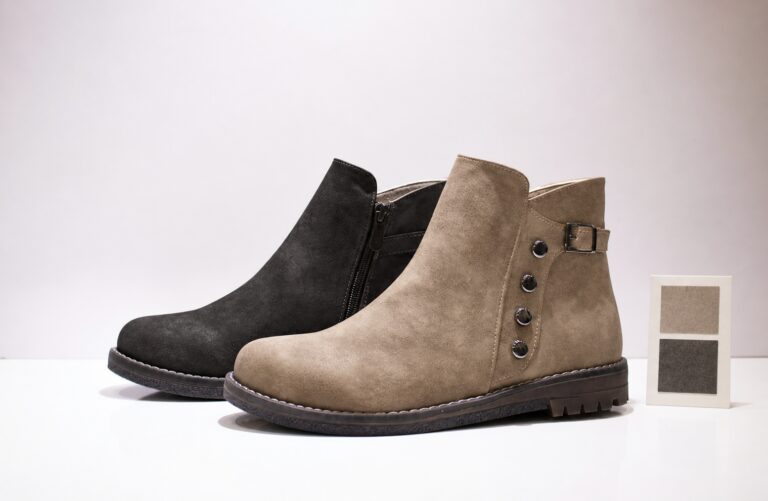
These are your catalog’s backbone. Clean, distraction-free images on a white background show the product exactly as it is. Think of these as your product’s professional headshot—detailed, consistent, and essential for establishing trust.
When to use: Main product images, collection pages, and marketplace listings.
Best for: All product types—this is non-negotiable.
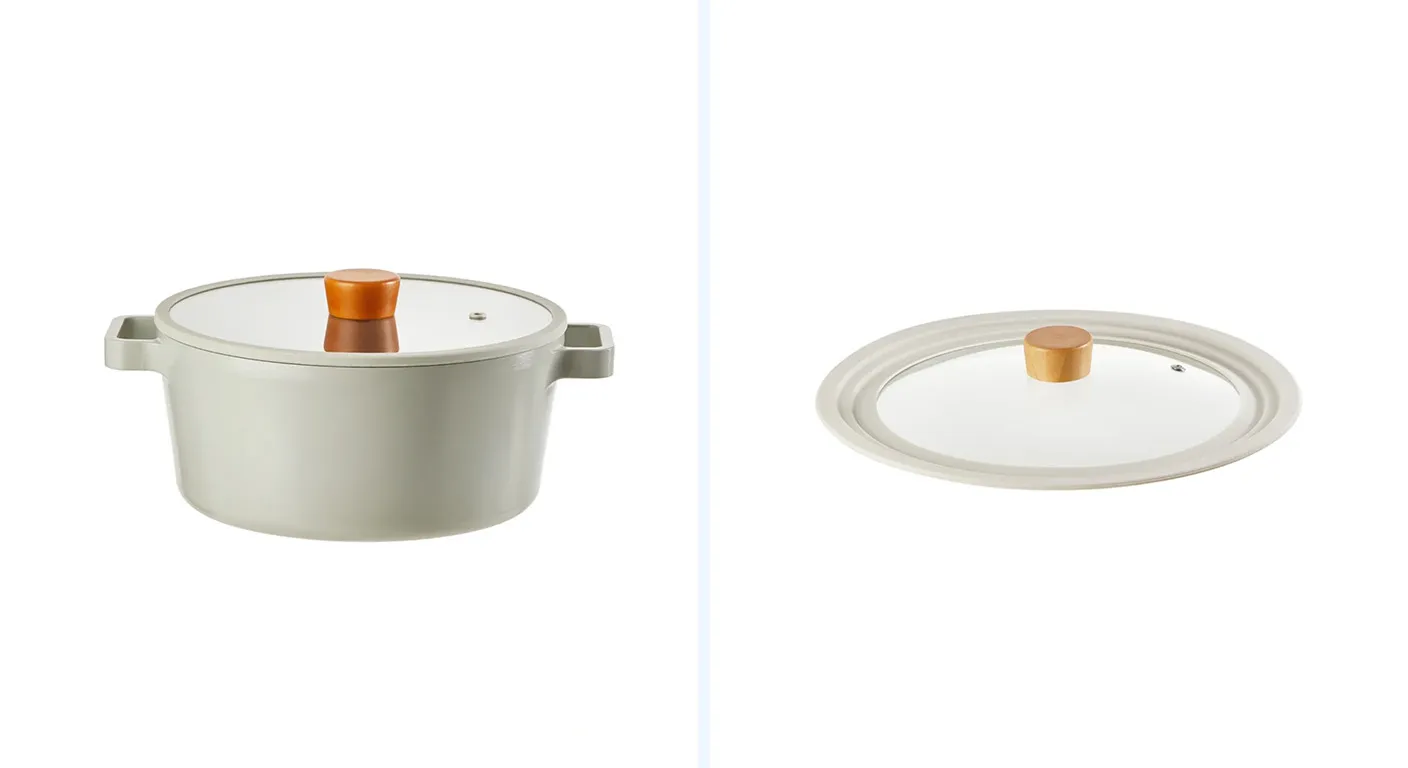
Lifestyle images show your product in its natural habitat. They bridge the gap between feature and benefit, helping customers imagine how the product fits into their lives. These shots are how you communicate your brand’s vibe and attract your ideal customer.
When to use: Hero images, social media, and product pages (gallery positions 2–4).
Example: A coffee mug photographed next to coffee beans, a book, and a pastry creates a cozy, aspirational scene.

Seeing a product in action builds immediate confidence. In-use photos answer questions customers might not even know they have, showing exactly how the product works in real situations.
When to use: Product pages, especially for products with unique features.
Example: A wrist-worn scorekeeper being used during a game demonstrates functionality far better than a standalone shot.
-Photos-The-Trust-BuilderAmo65qNU1788173000.webp)
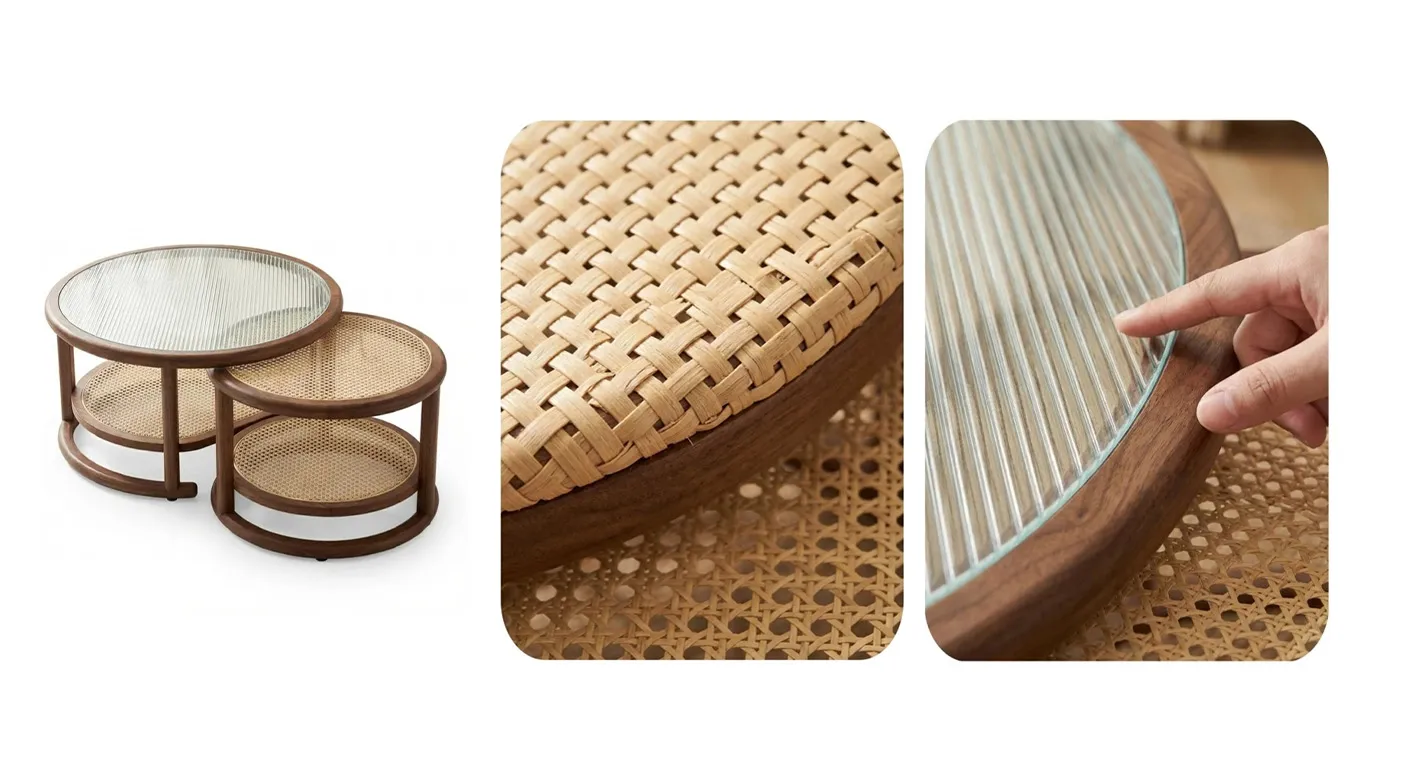
Close-ups of textures, materials, finishes, and intricate details reduce returns and hesitation because customers see exactly what they’re buying. For jewelry, electronics, or clothing, these shots are conversion gold.
When to use: Secondary product images, zoom functionality.
Example: A macro shot of a black cat resin ornament reveals the craftsmanship and finish that a wide shot cannot capture.
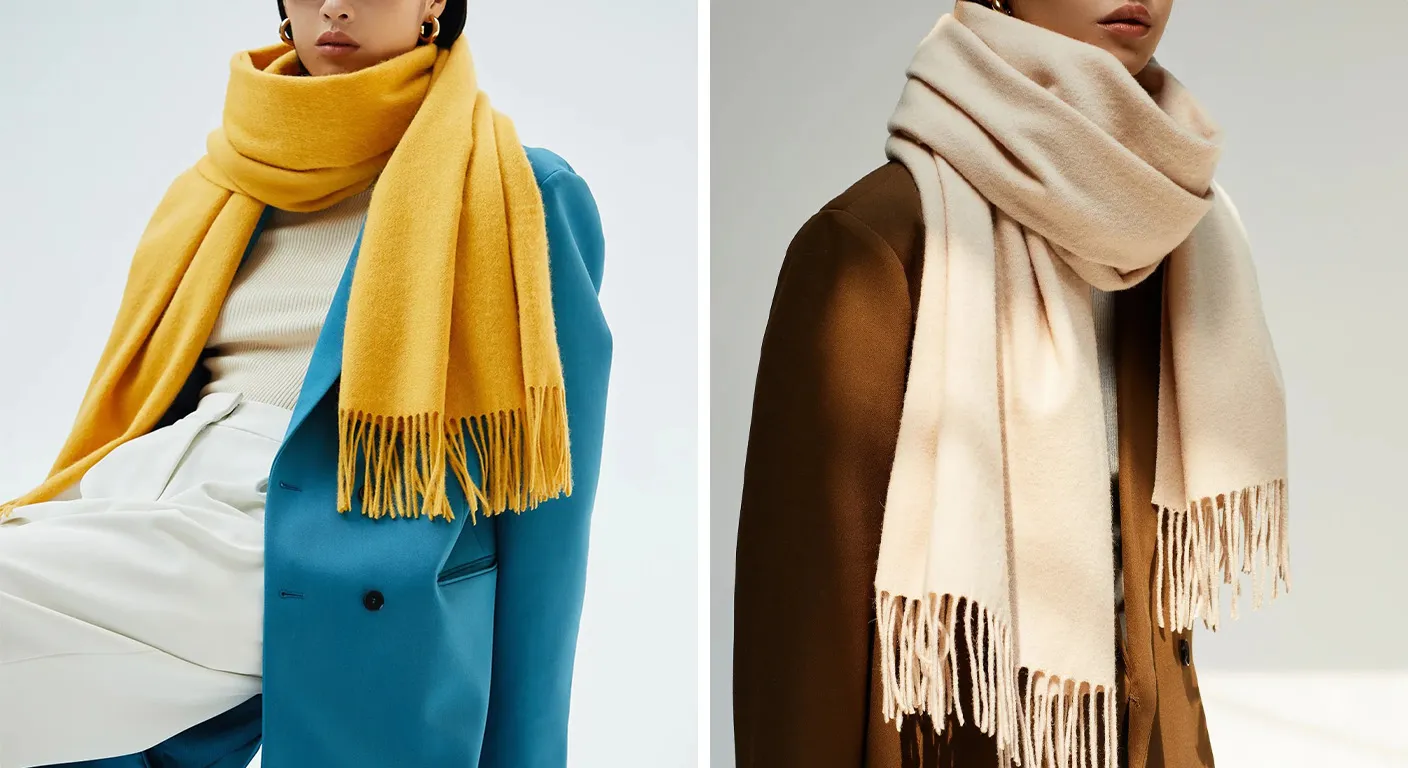
Model photography adds a vital human element, helping customers understand scale, fit, and style. For apparel, accessories, and lifestyle products, seeing items on real people creates an emotional connection.
When to use: Clothing, wearables, and products where fit or scale matters.
Example: A model wearing a scarf shows drape and style in a way a flat lay never could.
These carefully arranged overhead shots tell a broader story about your brand and product ecosystem. They’re particularly powerful for showing how products work together and creating thumb-stopping moments on social media.
When to use: Social media, collection pages, and lookbooks.
Example: A flat lay of selfie props arranged with a phone and other accessories inspires creative use.
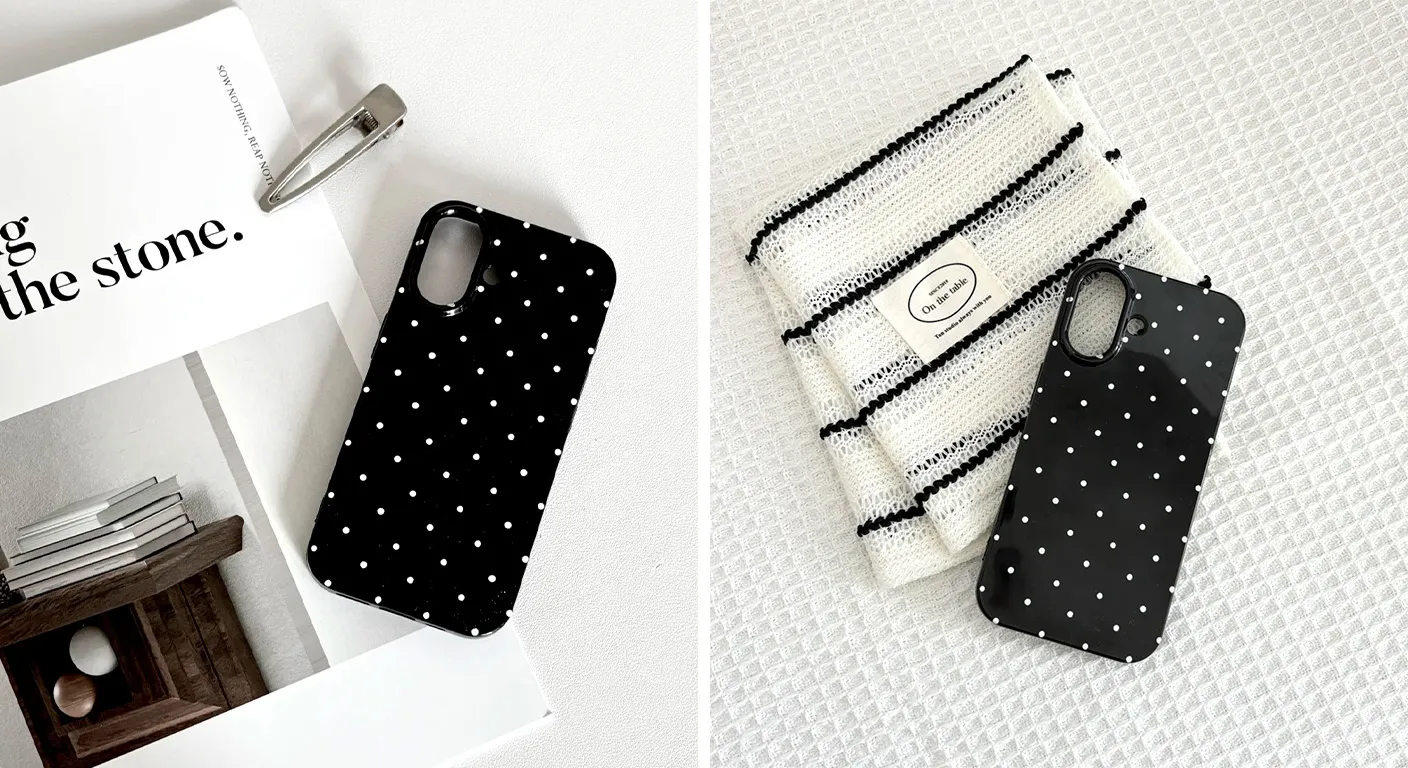
Not all products photograph the same way. Your approach to product photography for Shopify stores must adapt to what you sell. Here are tailored strategies for common product categories.
Pro tip: Invisible mannequin processing removes the model while preserving garment shape and drape. This is ideal for stores with rotating inventory.
Jewelry product photography requires precision because reflections, transparency, and fine details are easily lost. General background removal tools often fail on jewelry edges and reflections.
Pro tip: Specialist AI tools can handle jewelry’s complex edges and reflections better than general-purpose software.
Example: For a rechargeable LED cabinet light, show it installed, switched on, and from the side to reveal thinness.
Example: A bee watering tray photographed in a garden setting with flowers and a bee creates immediate context and desirability.
Creating high-quality images consistently across your entire catalog is the operational challenge of product photography for Shopify stores. Here’s how to streamline it.
Use a white or light background. Center the product. Minimize shadows. A smartphone camera with good lighting works fine as a starting point. For consistency, a lightbox creates even lighting and minimizes shadows for a professional look.
Editing involves four consistent steps:
Done manually, this takes 3–8 minutes per image. With AI tools, it takes under 30 seconds.
A store launching with 100–300 SKUs cannot afford per-image manual editing. Batch processing is the operational differentiator for Shopify sellers. Platforms like UploadToSell are purpose-built for ecommerce sellers across all catalog types, handling background removal, color correction, and format optimization in bulk.
Shopify supports large images for zoom functionality that desktop shoppers expect. Upload at minimum 2048 x 2048 pixels for standard products. Shopify recommends 2048 x 2048 pixels for optimal quality.
Consistent backgrounds create gallery cohesion on collection and shop pages. When product thumbnails appear together, visual consistency makes browsing pleasant and professional. Inconsistent backgrounds—some white, some colored, some lifestyle—create visual chaos that feels amateurish and reduces trust.
AI is transforming product photography for Shopify stores. Instead of hiring a professional team and organizing separate photoshoots for every channel, even solo sellers can now create professional visuals from a single product image. UploadToSell is at the forefront of this transformation, offering AI-powered product photography services that build trust, highlight value, and help customers buy faster.
Modern AI tools have made professional product photography accessible to every Shopify seller. Here are the key capabilities that transform your workflow:
Platforms like UploadToSell integrate these AI capabilities into a single workflow, enabling sellers to produce sales-focused product photography that builds trust and highlights value—without expensive studio equipment or professional photographers.
The investment in quality product photography for Shopify stores pays compounding returns. Better images increase conversion rates (browsers to buyers), average order value (customers buy more when confident), return visitor rates (professional sites build trust), and brand equity (premium imagery justifies premium pricing).
UploadToSell offers sales-focused product photography that builds trust, highlights value, and helps customers buy faster—with flexible shooting styles adapted to your brand and seasonal campaigns. From concept to conversion, UploadToSell provides photos and videos uploaded to sell.
Start with the basics: clean white-background shots, consistent editing, and product-appropriate image types. Then build your visual library thoughtfully over time. Your customers will appreciate the clarity and consideration you bring to helping them make informed decisions.