Phone:
+85254973791
Email:
support@just-wonders.com

Phone:
+85254973791
Email:
support@just-wonders.com
Supplier stock and store availability are different signals. Learn what must be reconciled before a variant is treated as sellable.
A supplier can report units on hand while your product page still tells customers that a variant is sold out. Those statements describe different parts of the order path. Supplier stock is not automatically the same as the quantity a store can offer: the exact item must be identified, received or otherwise made available through the agreed fulfillment setup, and represented as sellable for the relevant store location. A single Reddit seller asked this question, but the available evidence does not establish that seller’s cause or how common the problem is.
The useful distinction is between goods that a supplier says exist and available inventory attached to the correct product, variant, and fulfillment location. A stock figure is a starting signal to reconcile, not proof that a buyer can place an order. It is possible for supplier stock to coexist with a sold-out storefront without either screen describing the same item, quantity, or inventory state. The supplier stock report and the store’s available inventory answer separate questions until those records are matched.
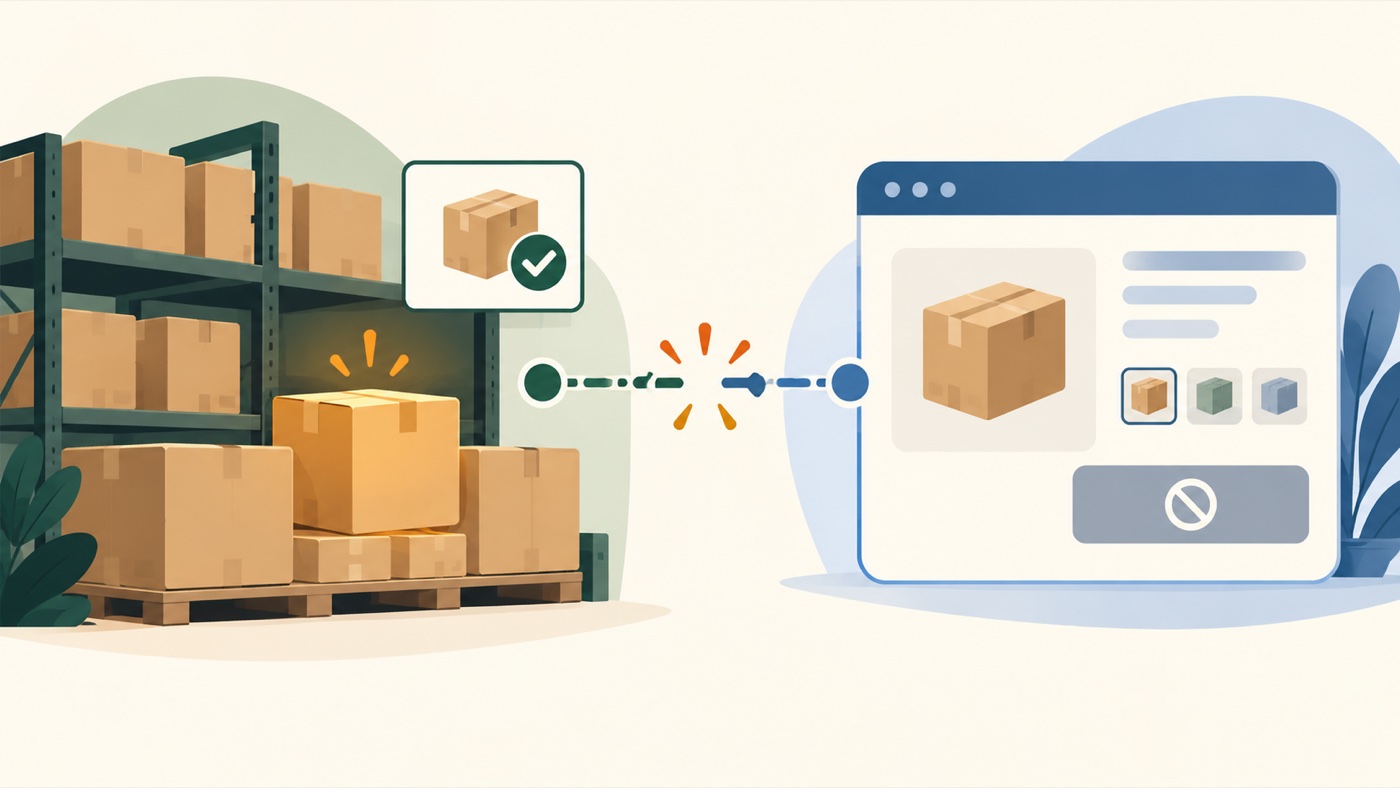
A supplier’s count usually refers to units the supplier reports for a product or option. A storefront needs a sellable quantity for the exact listing and variant being offered. Shopify’s inventory-state definitions distinguish On hand from Available, Committed, Unavailable, and Incoming. Its documentation defines available inventory as inventory that can be sold, and explains that availability depends on the location assigned to fulfill the variant. A supplier’s “in stock” label alone does not answer those store-level questions.
That distinction matters even when the product looks identical in two systems. A listing may have several sizes, colors, models, or bundles. Supplier stock for one option cannot make a different store variant available. The product can also be associated with a location that is not set to fulfill that variant. In either case, supplier stock may be real while the storefront’s available inventory for the customer-facing option is zero.
Inventory can also sit in a state that is not currently sellable. Units may already be committed to orders, marked unavailable, or still incoming rather than available at the fulfillment location. These are distinct records, not interchangeable labels. A report of physical units on hand does not necessarily show how many units remain available inventory after those other states are accounted for. For that reason, supplier stock should be compared with the store-side state for the same variant, rather than treated as a replacement for it.
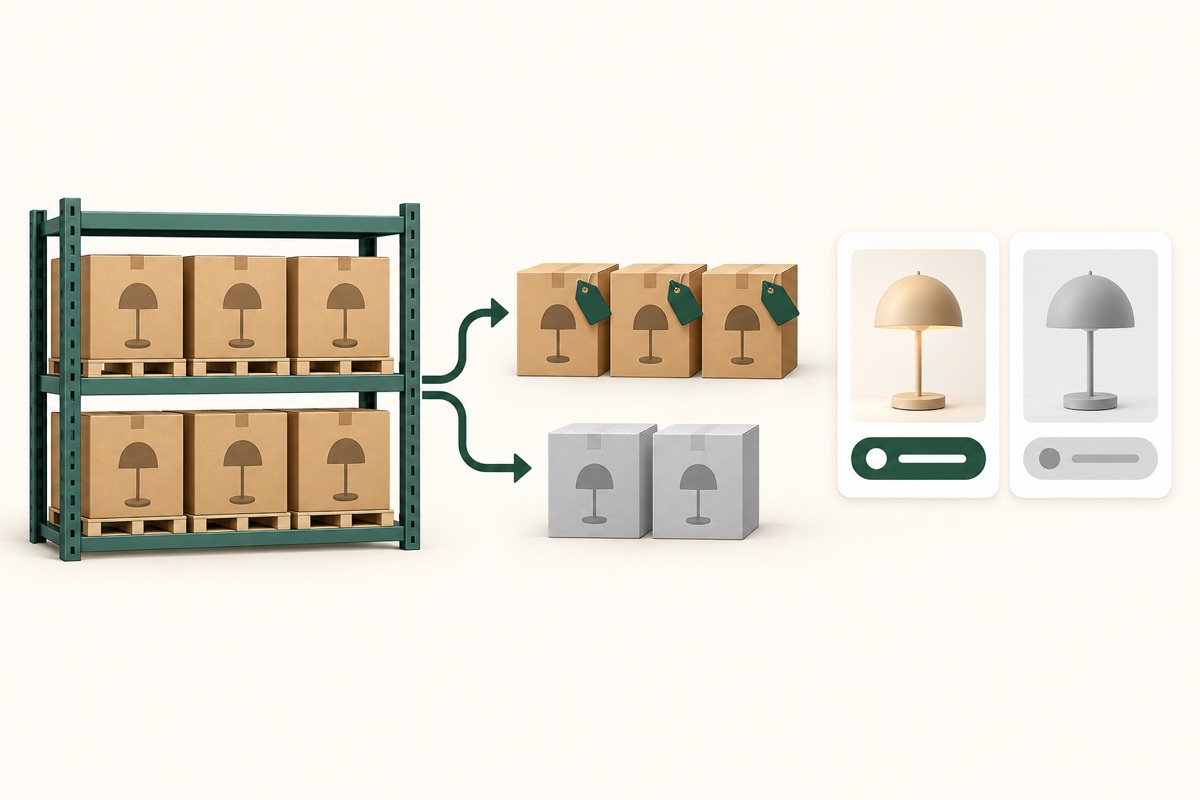
Before changing what customers can buy, the responsible fulfillment team needs to match the supplier’s item to the store’s product and variant, then compare the relevant location and inventory status. The discrepancy could involve different identifiers, an option that was never mapped to the listing, units that have not reached the agreed receiving point, a committed or unavailable state, or a delay or gap in the update path. These are possible categories to investigate, not a diagnosis of the Reddit seller’s store.
Supplier stock should therefore be reconciled against the exact option a customer would select. A total across a product family can conceal a sold-out size or color. Likewise, available inventory for one fulfillment location does not prove that another location can ship the same variant. The storefront state only becomes useful once supplier stock, product identity, location eligibility, and the inventory record refer to the same offer. A supplier stock report can accurately describe the supplier’s count while omitting the SKU-to-variant mapping needed to establish whether that count applies to the customer-facing option; available inventory may remain zero for that variant until the mapping is confirmed.
Do not treat a manual increase as a fix until the underlying record is understood. Making a page look available while the quantity, variant, or receiving status is uncertain can create orders for goods that are not ready to fulfill. The safer question is what evidence connects the supplier’s reported quantity to the exact sellable offer, and which team is responsible for reconciling that connection.
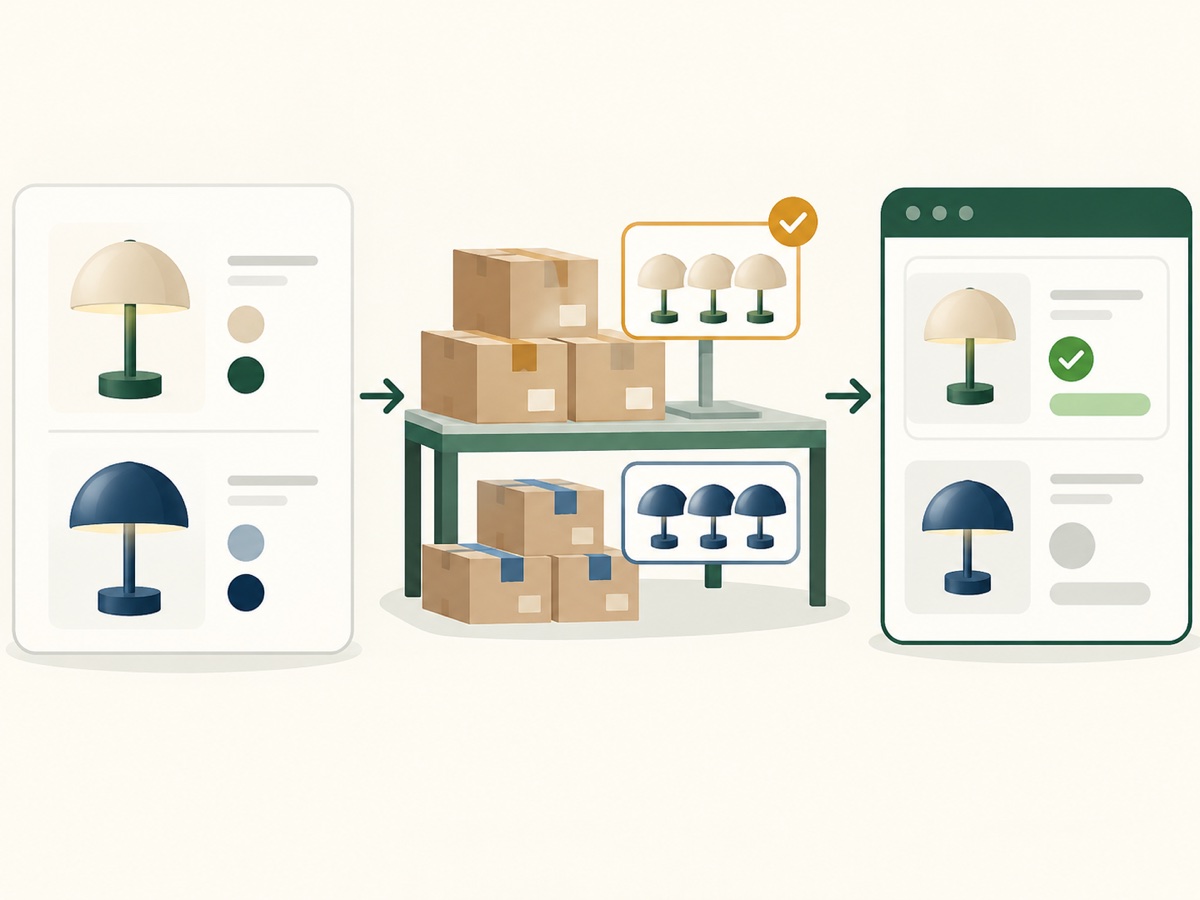
The seller can identify the product and variant in question, the intended store or market, and what the supplier’s page or message currently reports. A screenshot or product link can help make clear whether the difference concerns a color, size, bundle, or location. The seller also confirms any change to the customer-facing offer. This is a focused handoff; it does not require the seller to investigate suppliers, perform quality checks, maintain a warehouse ledger, or learn inventory-system operations.
UTS handles sourcing, supplier coordination, receiving quantity checks, SKU identification, and the agreed fulfillment work. The current fulfillment service describes inventory visibility, incoming stock, supplier receiving, order synchronization, and inventory updates. The page does not establish a universal supplier feed, platform coverage for every store, a refresh interval, or instant two-way synchronization. Those details must not be assumed from a supplier’s stock page or from a general service description. The exact available inventory shown to a buyer still depends on the records and scope that have actually been confirmed.
A separate service question is whether to keep an existing supplier while commissioning fulfillment. Our guide to keeping your own supplier while arranging fulfillment explains that arrangement. It does not diagnose why a customer-facing variant shows sold out; this article focuses on matching the source-reported item to the exact store variant and fulfillment location.
If you want help tracing the mismatch, share the exact product and variant, the supplier’s stock reference, and the store or market where it appears sold out. You can also say whether you need purchasing support, fulfillment support, or both. UTS can then confirm which part of the reconciliation falls within the work you want to commission; no stock change or timing should be assumed before the relevant details are checked.
For that conversation, contact UTS on WhatsApp at +852 5497 3791 and select the service need that fits your request. The point is to establish whether the supplier item, the store variant, and the fulfillment record refer to the same sellable offer—not to make an unsupported quantity appear available.