Phone:
+85254973791
Email:
support@just-wonders.com
Phone:
+85254973791
Email:
support@just-wonders.com
You can start a product branding review without direct supplier contact. See what to send UTS, what a review can clarify, and what remains unconfirmed.
A product can appear on a marketplace without giving you a useful direct supplier contact. You do not have to find that contact yourself before asking whether product branding is possible. Share the item link, image or specification with UTS, say which surface you want branded, and identify the version and approximate order volume. UTS can review supplier options and suitable branding routes. That first review does not guarantee an exact source, a production method, a minimum order, a price or a lead time.
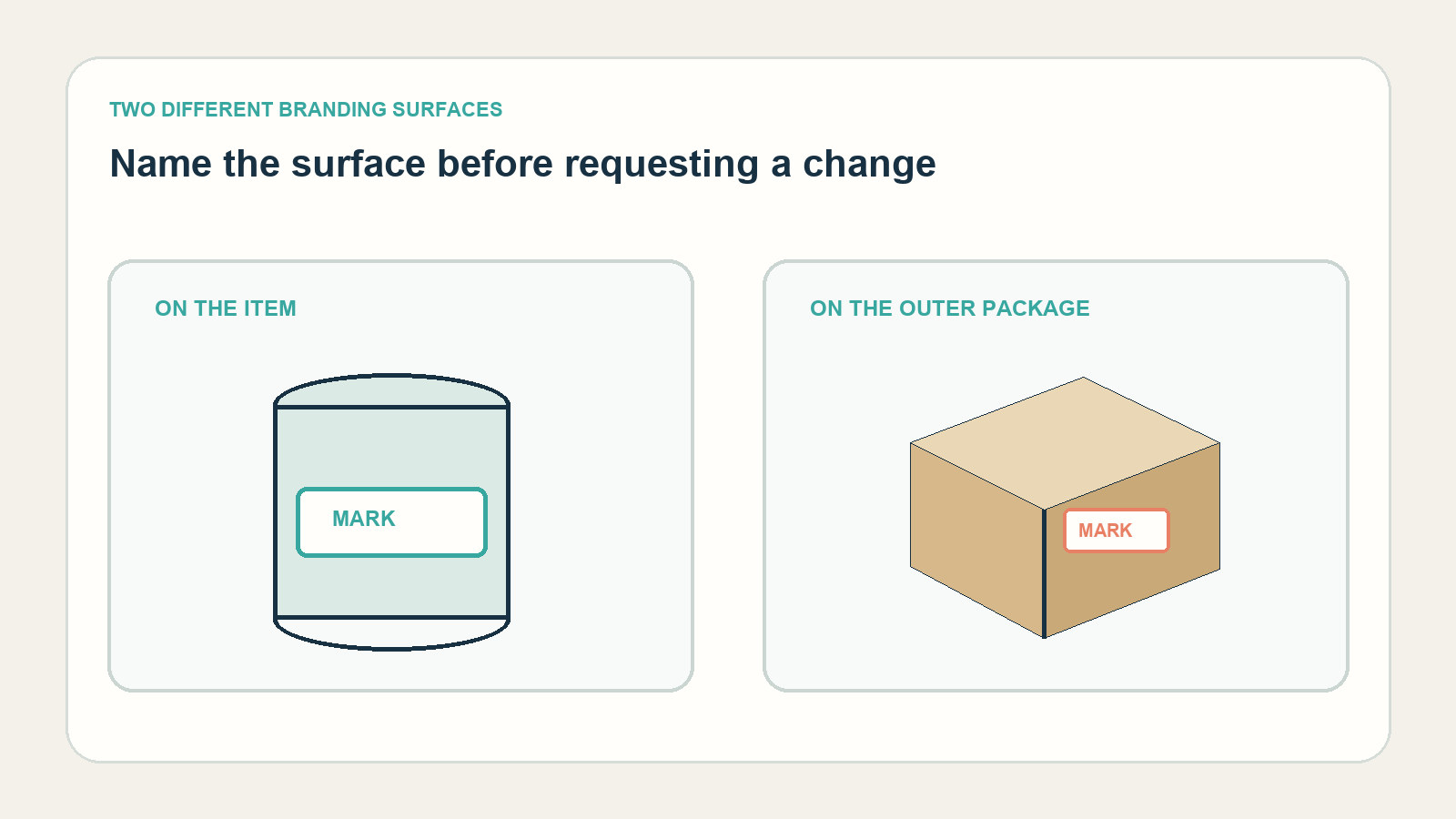
“Put my brand on it” can mean a mark on the product, a label, an insert, or custom packaging around the item. Those are different requests because they involve different materials and supplier options. Product branding is easier to assess when you describe what the buyer should actually see: for example, your mark on the item itself or on its box. For product branding, the visible surface is a decision you can make now; the method is something UTS can assess against the supplier options.
Custom packaging is not automatically the same decision as changing the product. You might want the item left as it is and only ask about a branded box, sleeve or other agreed package. Or you may want the product mark changed while keeping the existing package. If both matter, say so; do not assume that one product branding request includes every part that reaches your customer.
Shopify’s overview of creative branding for ecommerce treats custom packaging as a physical brand touchpoint. That is useful context for deciding where the identity should appear, but it does not tell you whether a particular marketplace item can be changed. The product, branded surface and packaging need to be assessed for the actual request.
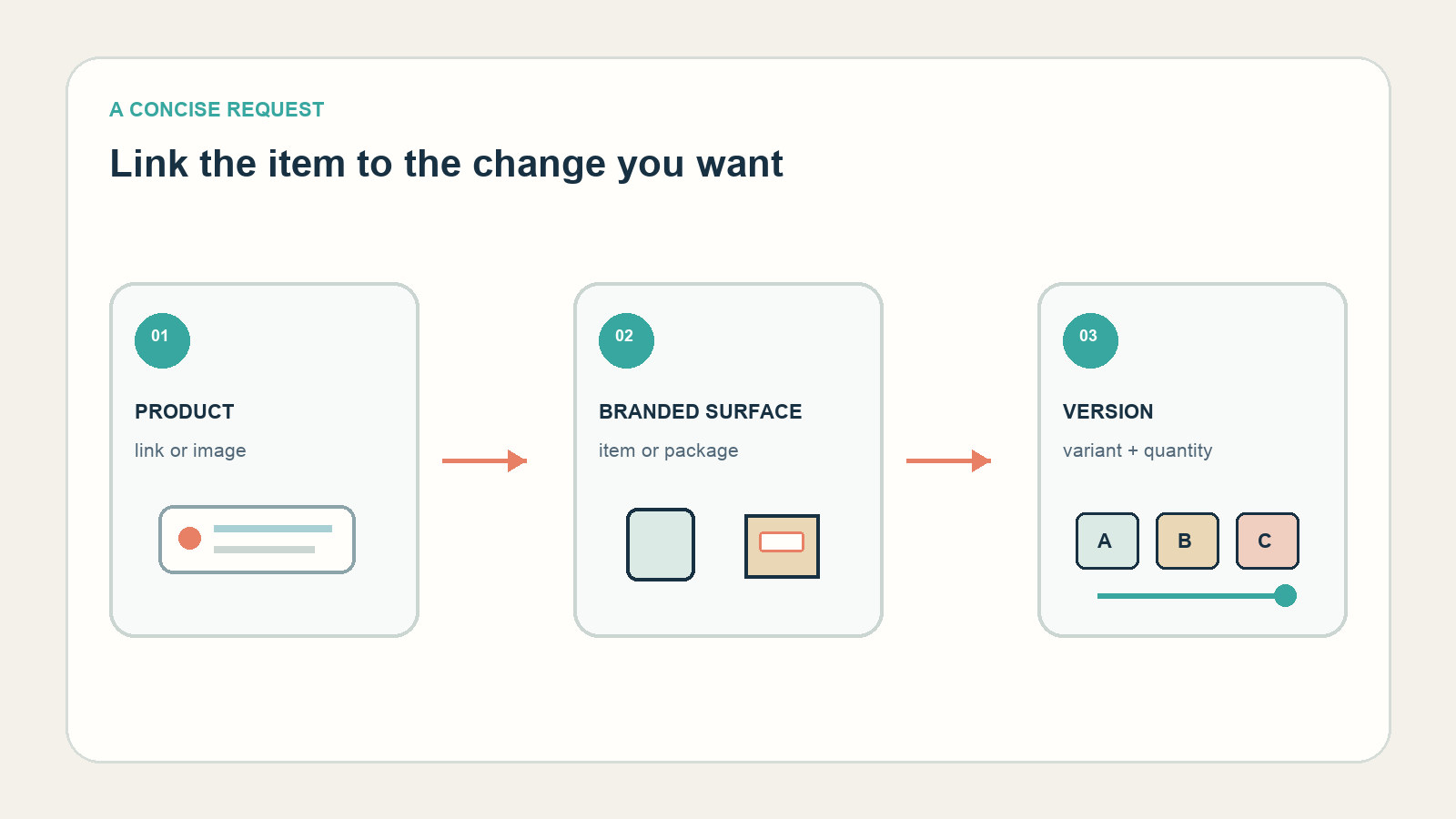
You can begin a product branding request with the information you already have: a product link, an image or a specification. Add the selected variant, the surface you want branded, the expected quantity and destination. If the marketplace listing has several versions, point to the one you mean. This helps UTS understand the request without asking you to identify a factory, compare suppliers or negotiate with them.
UTS handles supplier research and communication for the work it is asked to assess or carry out. A supplier review may find an option that fits the request, a similar product, or a limitation that needs your decision. It may also show that the exact listing or branding method cannot be confirmed from the material supplied. A marketplace link is a reference for review, not proof of who made the item or whether that supplier will accept a change.
For custom packaging, identify whether you mean the product’s own box or the outer package the customer receives. If you are unsure which detail is practical, describe the customer-facing result instead of guessing at a production method. UTS can review suitable packaging and printing options; you do not need to learn packaging production or quality checks to make the request.
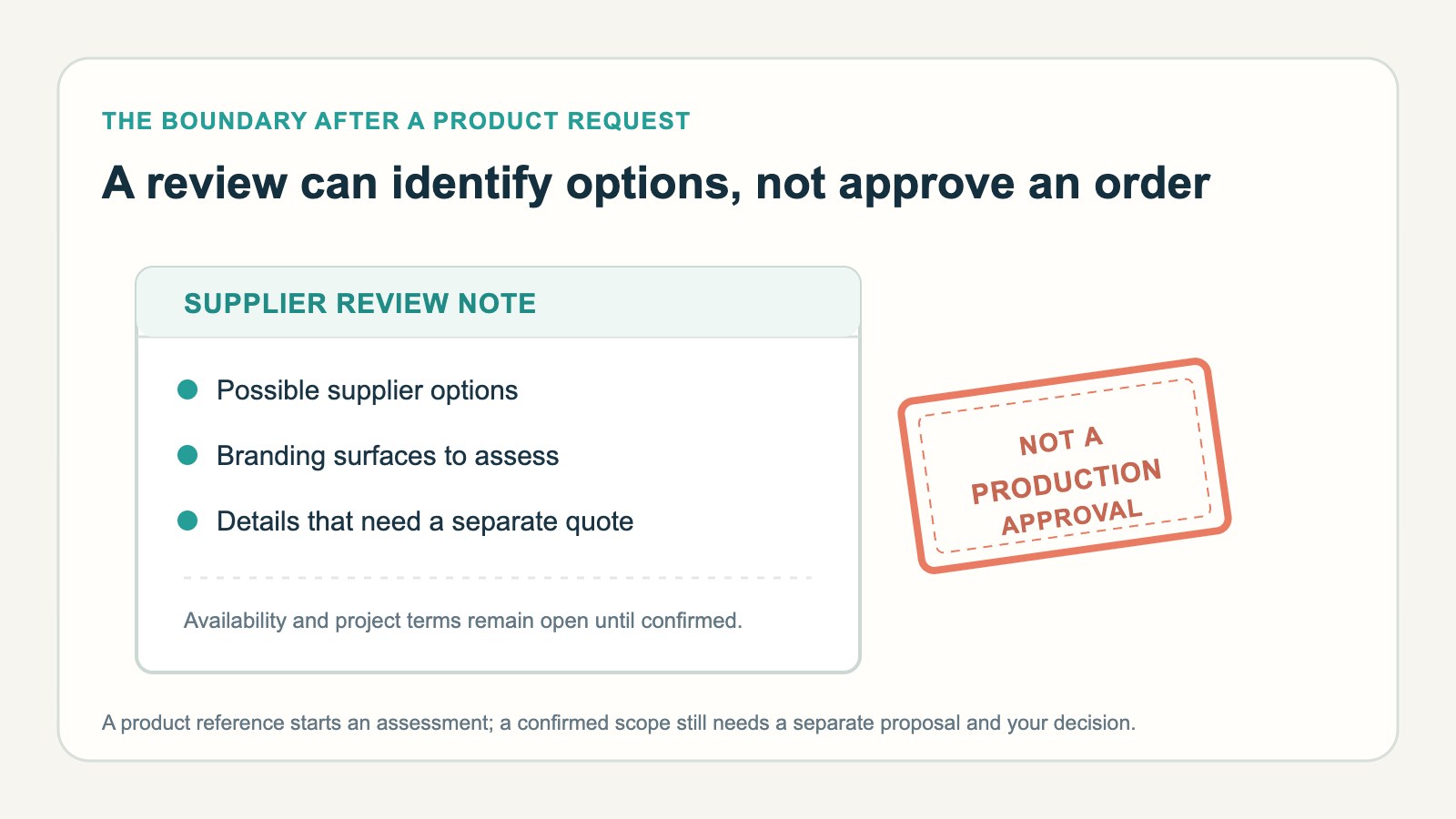
Keep four points separate: the initial request, a supplier review, a project-specific quote, and your approval of the confirmed scope. A supplier review can clarify which options deserve a quote; it does not itself reserve stock or authorize production. The quote needs to describe the confirmed product, quantity, branding or custom packaging, and any other agreed work. Only after you review and approve that proposal should the commissioned purchasing or branding work proceed.
This distinction matters when product branding involves more than artwork. A digital mock-up may show a logo placement without proving that the chosen item, material or production method is available. If a box or printed package is part of the proposal, our guide to what a custom packaging proof can and cannot confirm explains why reviewing a layout and approving a physical result are separate questions.
Custom packaging can be discussed as its own scope; it does not automatically require you to commission purchasing, fulfillment or shipping. Conversely, a request for a product mark does not mean a new box is included. The supplier review should identify what the proposed quote actually covers, and you decide whether that result matches the customer experience you want.
A useful first message can be short: the product link or image; the variant you intend to sell; whether you want product branding, custom packaging or both; the logo or artwork if you have it; the expected quantity; and the destination market. If you only know the desired appearance, say that. Do not invent a production specification just to make the request sound technical. A product branding inquiry should identify the customer-facing change, not a production method you have not confirmed.
UTS can then review supplier options, suitable branding or custom packaging possibilities, and what needs to be confirmed before a quote. Your part is to explain the result and approve or revise the specific proposal. Supplier contact, sourcing and quality work stay with UTS; you do not need to turn the inquiry into a supplier-search or QC project of your own.
If you want to start that product branding conversation, read the Branding service scope and use the existing UploadToSell request-choice flow. The product-request overview shows the information that helps start a review. Select the service that fits your need, then provide the product reference and describe the result you want. The confirmed WhatsApp contact is +852 5497 3791; your selected service is included in a prefilled WhatsApp message for you to review and send.