Phone:
+85295718875
Email:
support@just-wonders.com

Phone:
+85295718875
Email:
support@just-wonders.com

If you want to optimize product photos for ecommerce, you need to think beyond taking clear pictures. Good ecommerce product photos should show the product accurately, explain how it is used, and help shoppers make decisions.
This is especially useful for dropshipping sellers who often start with basic supplier images. With the right shooting, editing, sizing, and presentation methods, you can turn simple product photos into stronger sales assets. UploadToSell also provides ecommerce-focused product photography to help online sellers create visuals that fit their products and brand style.
When customers shop online, they cannot touch or test a product. They depend on visual information to understand what they may receive.
This makes ecommerce product photos an important part of the product page.
Well-optimized photos can help customers:
For example, imagine you sell a portable kitchen organizer.
One photo may show the organizer on a white background. Another can show it inside a kitchen cabinet. A third can show its size next to common kitchen items.
Each photo answers a different question.
This is the basic idea behind how to optimize product photos for ecommerce. Do not use images only to make a page look attractive. Use them to provide useful product information.
Different products need different visual strategies. A jewelry store does not need the same photos as a furniture store.
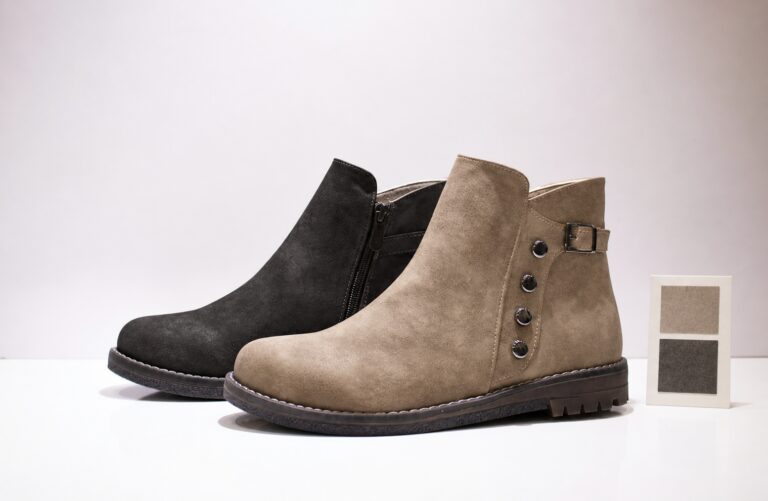
Accessories often require close-up images.
Jewelry, watches, bags, and phone accessories have small details that customers want to inspect.
For these products, use:
For example, if you sell a bracelet, show the clasp, texture, surface finish, and how it looks on a wrist.
Do not rely on one product photo.
Customers need enough visual information to understand what they are buying.
Clothing requires a different approach.
A simple flat product image may not show how a garment fits.
Use a combination of:
For a loose-fit hoodie, for example, a model photo can show the actual shape better than a flat image.
A close-up can then show the fabric texture.
This combination creates more useful ecommerce product photos.
Home products benefit from lifestyle photography.
A customer may understand the product better when they see it inside a real room.
For example, a small table lamp can have:
These different images communicate function, size, and atmosphere.
This is one practical way to optimize product photos for ecommerce without creating unnecessary visual complexity.
Image quality does not always mean using the largest possible file.
The goal is to find a balance between sharpness and loading speed.
Make sure the main product is in focus.
Avoid:
A tripod can help when shooting multiple products.
It also keeps the framing consistent.
For sellers handling many SKUs, consistent framing can make the entire store look more professional.

Lighting affects how customers see color, texture, and shape.
Soft and even lighting works well for many ecommerce products.
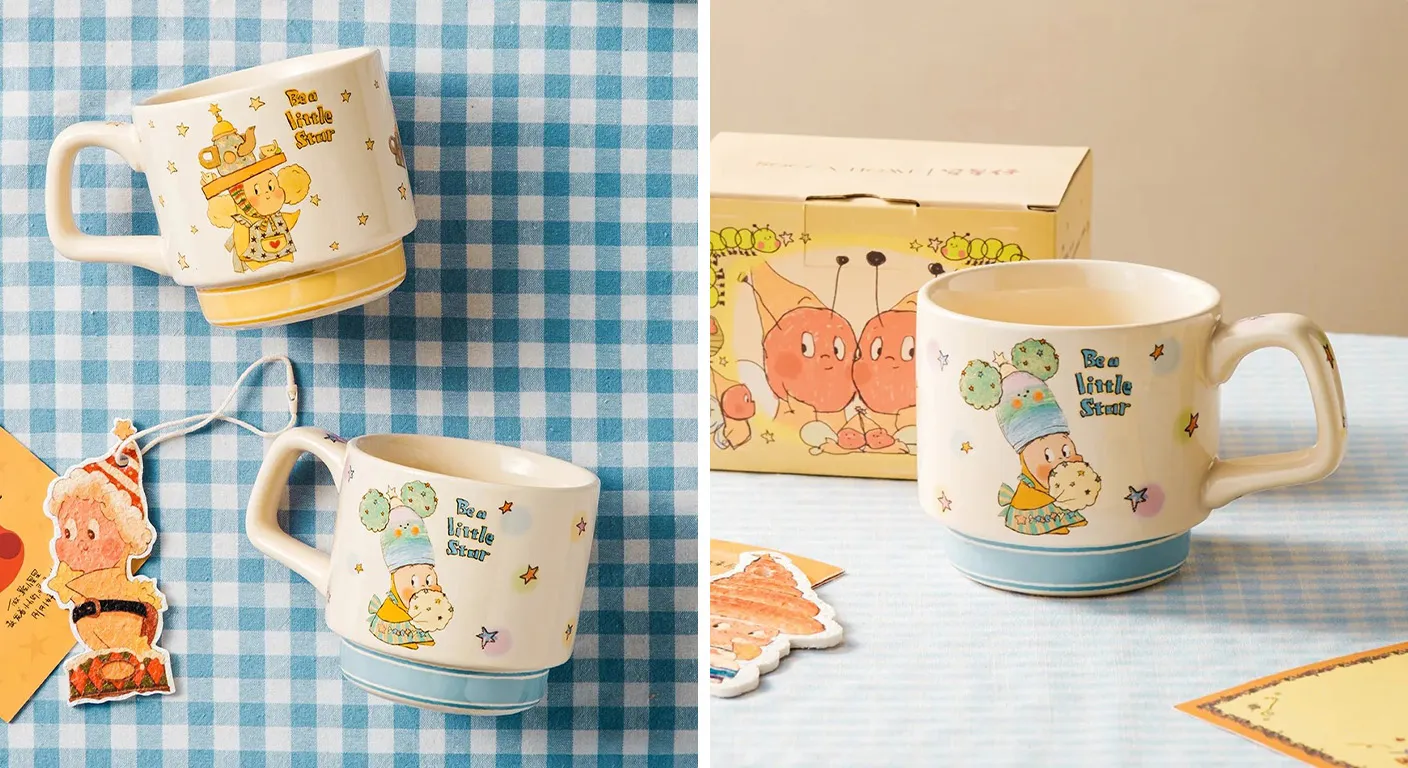
For example, when photographing a white ceramic mug, harsh lighting can create very dark shadows.
A softer setup can show the shape and surface more clearly.
If you sell products in different colors, keep your lighting setup consistent.
This makes product comparisons easier.
Color accuracy is particularly important for clothing, cosmetics, furniture, and accessories.
If a customer orders a blue product and receives something that looks noticeably different, disappointment can follow.
To improve color accuracy:
Your ecommerce product photos should represent the actual item as closely as possible.
Large images can slow down product pages.
This can affect the shopping experience, especially on mobile devices.
When you optimize product photos for ecommerce, compress images before uploading them.
Do not upload a huge image when your store only needs a smaller display size.
First check the image requirements of your ecommerce platform.
Then export your images at a suitable resolution.
For example, if your store displays product images at a moderate size, uploading extremely large files may not provide a visible benefit.
WebP can be useful when your ecommerce platform supports it.
It can reduce file size while maintaining good visual quality.
However, always check how your website handles different image formats.
The goal is simple:
Keep the image clear while reducing unnecessary file weight.
Do not compress an image so aggressively that product details disappear.
A useful workflow is:
This workflow makes it easier to maintain consistent ecommerce product photos across your catalog.
A product page should not contain random images.
Each image should have a purpose.
The first image should immediately explain what the product is.
For many products, a clean background works well.
Show the complete product.
Keep unnecessary props away from the main image.
The customer should understand the product within a few seconds.
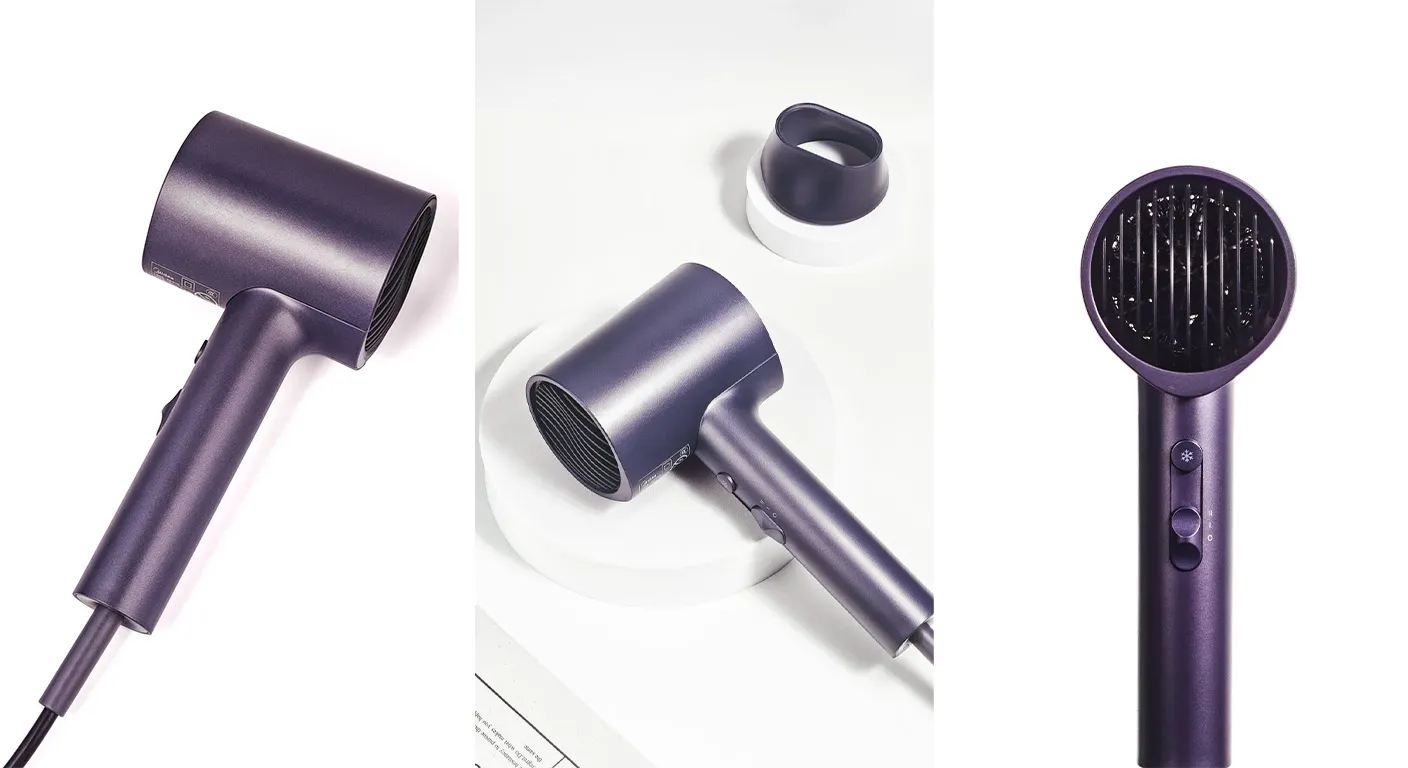
A single image rarely answers every question.
Consider showing:
This works especially well for products with complex shapes.
For example, a backpack may need front, back, side, interior, zipper, and strap photos.
These images reduce uncertainty.
Lifestyle photos show products in real situations.
They help customers imagine using the product.
For example:
A desk organizer can be photographed on a clean office desk.
A reusable water bottle can be shown inside a gym bag.
A pet toy can be photographed next to a dog.
A phone stand can be shown beside a laptop.
The product remains the focus.
The environment simply provides context.
Many shoppers view product pages on mobile devices.
Your images should therefore work well on smaller screens.
Do not place important information near the edges.
Avoid tiny product details that require excessive zooming.
For products with small features, add dedicated close-up images.
Check your images on:
Look at the product page rather than the original image file.
Ask yourself:
Can I understand the product quickly?
Can I see important details?
Does the image look sharp?
Does the product still stand out on a small screen?
These simple checks can improve your visual presentation.
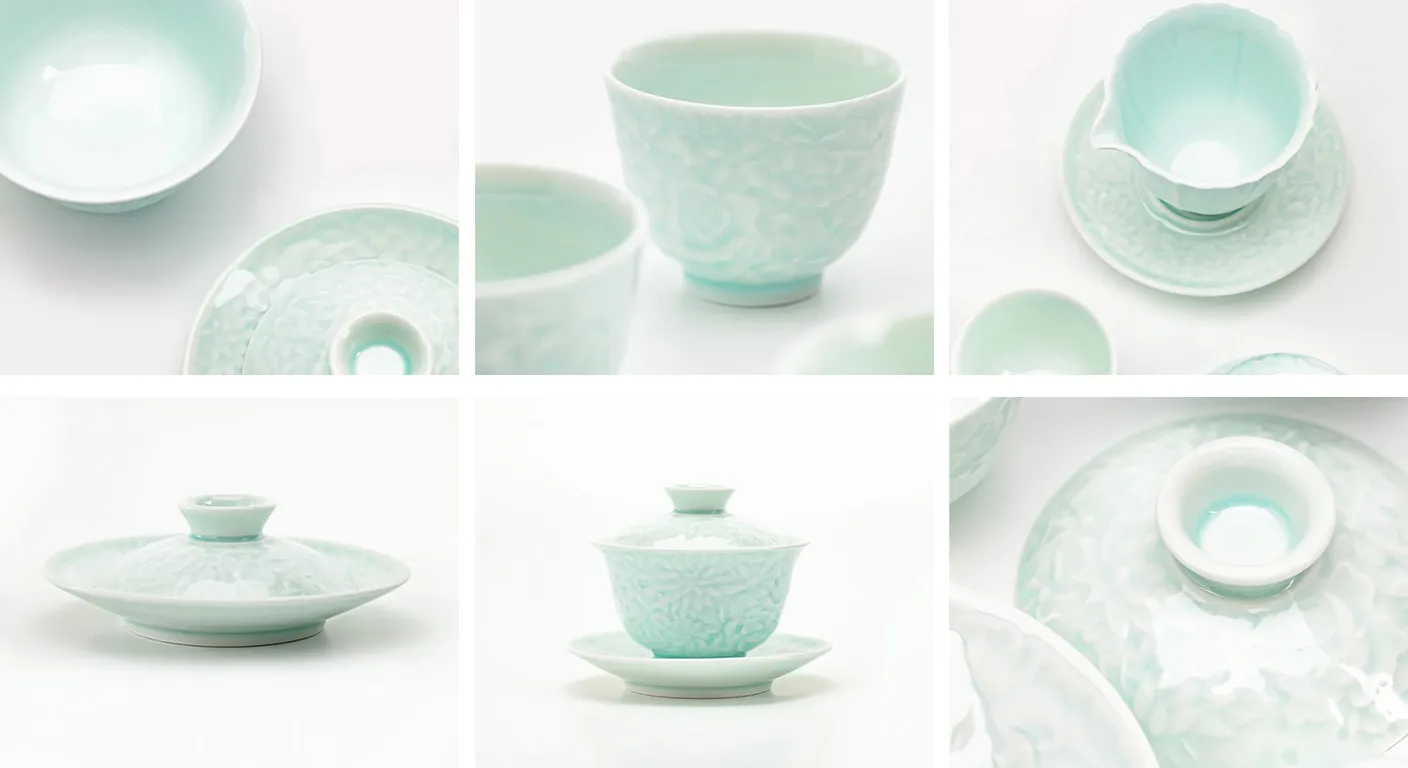
Image optimization is also part of technical SEO.
Search engines need information about your images.
Avoid generic names such as:
IMG_1234.jpg
Instead, use descriptive names.
For example:
black-crossbody-bag-ecommerce.jpg
The filename should describe the image naturally.
Alt text should describe what appears in the image.
For example:
“Black crossbody bag with adjustable shoulder strap.”
Do not fill alt text with repeated keywords.
Write for accessibility first.
Image SEO is not only about keywords.
Page performance also matters.
Compress your images and avoid uploading unnecessarily large files.
This creates a better experience for visitors.
Your product page images and advertising images do not always need to be identical.
Different channels have different purposes.
Use clear product-focused images.
Make sure the product is easy to identify.
Avoid unnecessary visual distractions.
Lifestyle photos may work better for some products.
For example, a stress-relief toy can be shown in someone’s hand.
A home decoration product can be shown inside a styled room.
A fashion accessory can be photographed on a model.
The image should match the message of the advertisement.
Use images that remind customers of the exact product they viewed.
Clear product shots are often useful here.
The goal is recognition.
Customers should immediately know which product the advertisement represents.
Dropshipping sellers often face a common problem.
Supplier images may not match the visual style of the store.
They may also contain inconsistent backgrounds, logos, watermarks, or different lighting.
Instead of using every supplier image directly, create a consistent image set.
Start with the actual product.
Shoot it using your preferred style.
Create a basic image package that includes:
This makes your store look more consistent.
This is especially important for dropshipping.
If the supplier changes the material, color, shape, or packaging, your images should be updated.
Your ecommerce product photos should match the product customers will receive.
For this reason, product photography can work well alongside product sourcing and fulfillment.
UploadToSell combines product sourcing, photography, customization, branding, and other ecommerce services. This can help sellers manage product presentation as part of a larger workflow.
A useful way to improve images is to study customer questions.
Look at your:
Then turn common questions into visual content.
For example:
Create a scale image.
Show the product next to a hand or another familiar object.
You can also add a simple dimension graphic.
Create a close-up photo.
Show the texture clearly.
Create a step-by-step image sequence.
For a kitchen tool, show the product being used.
For a storage product, show how items fit inside.
This is a practical customer-focused way to optimize product photos for ecommerce.
Your core product photos can stay consistent.
But you can add seasonal images for specific campaigns.
For example:
Suppose you sell a decorative lamp.
Your standard product image can use a clean background.
A seasonal image can place the same lamp in a suitable home setting.
This gives you additional creative assets without changing the product itself.
UploadToSell’s product photography service also supports different shooting styles and seasonal campaigns, which can be useful for sellers who need multiple visual formats.
Editing should improve the image.
It should not change the product.
Avoid:
For example, if a handbag has natural leather texture, do not remove every texture mark.
Customers should receive a product that looks like the photos.
Accurate ecommerce product photos can help set realistic expectations.
You do not always know which image will perform best.
Testing can help.
Try different versions of your main image.
For example:
Version A: White background.
Version B: Lifestyle background.
Version C: Product held in hand.
Then compare metrics such as:
Do not change too many elements at once.
If you change the image, price, title, and description together, it becomes difficult to understand what caused the result.
You can use the following workflow for most products.
Identify its main selling points.
Think about what customers need to see.
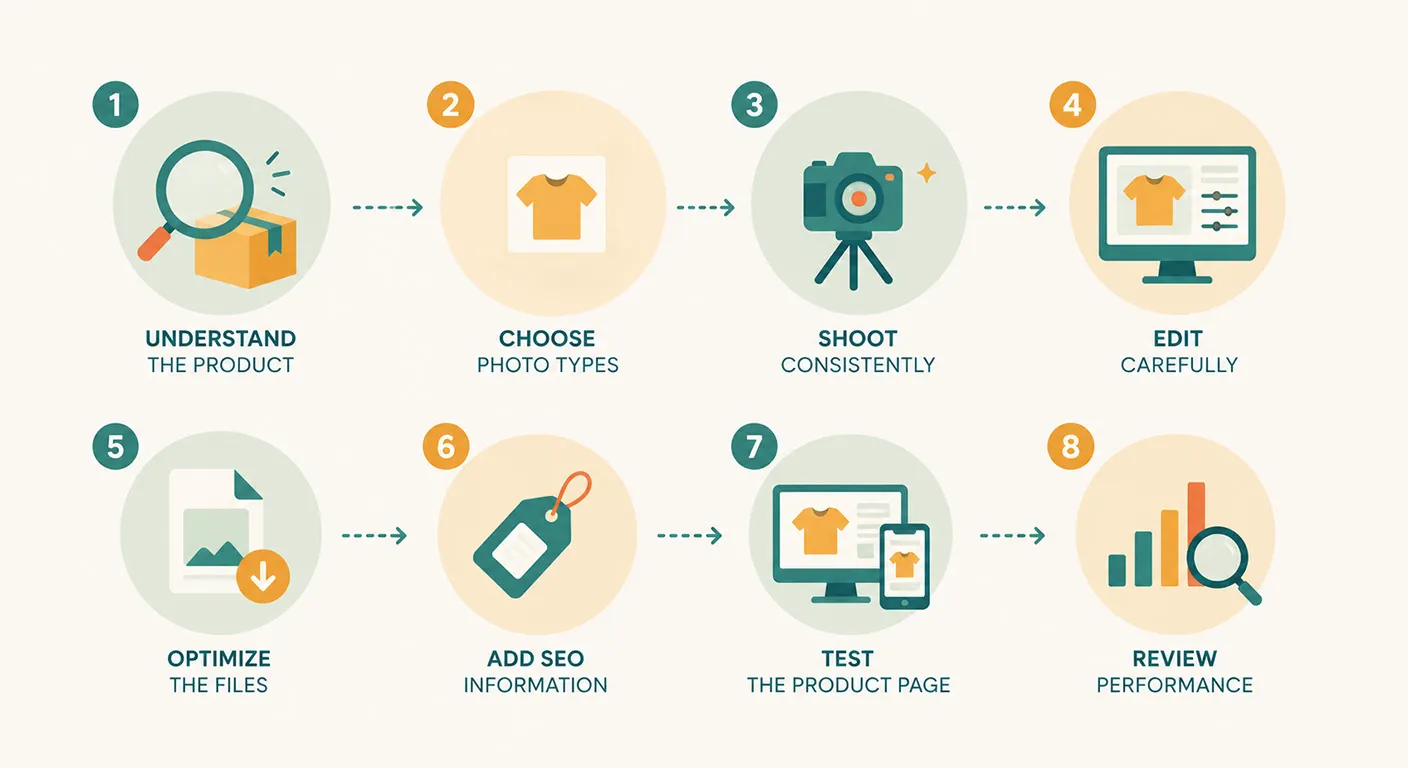
Select a combination of:
Use similar lighting, framing, and background styles.
Correct exposure, color, cropping, and distracting elements.
Keep the product realistic.
Resize and compress the images.
Use suitable formats.
Use descriptive filenames and useful alt text.
Check the images on desktop and mobile.
Make sure the product is easy to understand.
Use store analytics to identify which visual assets perform well.
Then improve the weaker images.
For online sellers, creating every product image internally can take significant time.
This is especially true when a store has many products or needs new visuals for different campaigns.
UploadToSell offers ecommerce-focused product photography designed around product presentation and sales needs. Its services include professional product photography, customized shooting styles, and visual content that can support branding and seasonal campaigns.
For dropshipping sellers, this can also connect photography with product sourcing, customization, and fulfillment.
Instead of treating product photos as a separate task, sellers can include visual content in the broader product launch process.
To optimize product photos for ecommerce, focus on useful information first.
Start with a clear main image.
Add enough angles to explain the product.
Use close-ups for important details.
Use lifestyle images when context matters.
Show scale when size may be confusing.
Keep colors accurate.
Compress files without sacrificing visible quality.
Use descriptive filenames and alt text.
Test images on mobile devices.
Finally, make sure your ecommerce product photos match the real product.
For dropshipping sellers, this approach can turn basic supplier images into a more consistent store experience. With professional photography and ecommerce support from UploadToSell, sellers can create product visuals that support product pages, advertising, branding, and seasonal campaigns.