Phone:
+85295718875
Email:
support@just-wonders.com

Phone:
+85295718875
Email:
support@just-wonders.com

Learning how to create high-quality product photos helps dropshipping sellers present products clearly and build buyer confidence. Professional images answer questions about size, texture, and real use. They support better conversion rates on product pages and ads.
This guide shares practical steps for how to create high-quality product photos. It also explains when custom product photos deliver the strongest results. You will see how services like UploadToSell support sellers who want consistent, sales-focused images without managing a full studio.
Online buyers rely on images to decide. They cannot hold the item or check it in person. Clear photos reduce uncertainty and help customers move forward.
In dropshipping, many suppliers provide basic stock images. These often appear across multiple stores. Custom product photos give your listings a distinct look. They can match your brand colors, seasonal themes, and target audience preferences.
Strong visuals also improve ad performance. Platforms reward relevant, high-quality images with better reach and lower costs. The right photos turn product pages into effective sales tools.
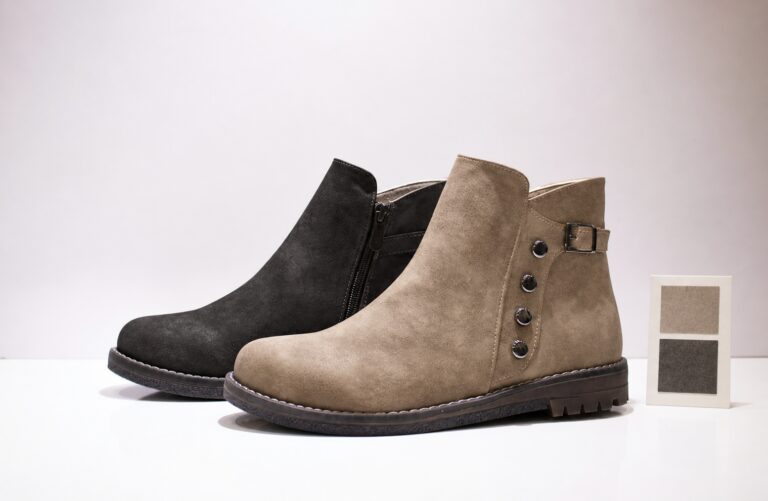
Learn practical techniques for capturing clear, professional product images that build buyer trust and encourage purchases. This guide covers lighting, angles, lifestyle shots, and simple editing tips that help your listings and ads perform better. Discover how custom product photos can highlight key features and reduce hesitation, leading to higher conversion rates across your store and campaigns.
Start every shoot with a written list. Decide which images the product page and ads need.
A practical shot list usually covers:
Write the list before you set up lights or cameras. This keeps the session focused. For a new kitchen gadget, include a shot showing it next to a standard plate. For clothing, add a model or mannequin view that shows fit.
Update the list when you launch seasonal versions or bundles. Consistent planning saves time and ensures no important angle is missing.
Choose backgrounds that support the product instead of competing with it. Clean white or light gray works well for most catalog images. These backgrounds meet common marketplace rules and look professional on any device.
For lifestyle shots, select settings that match how customers use the item. A wooden desk suits office accessories. A soft fabric surface works for jewelry or small tech. Keep props minimal so the product remains the center of attention.
You can create a reliable setup with basic materials. Use a large sheet of white paper curved into a seamless backdrop. Place it on a steady table near natural light. Secure the edges with tape or clips to avoid wrinkles.
Maintain the same background style across your catalog. Consistency makes the entire store feel organized and trustworthy.
Lighting determines how true the product colors appear and how clean the final image looks. Soft light reduces harsh shadows and reveals surface details.
Natural window light on an overcast day provides gentle illumination. Position the product a short distance from the window. Place a white foam board on the opposite side to bounce light back and fill shadows.
When natural light is limited, use two soft light sources. Set the main light at a 45-degree angle. Position the second light or reflector on the other side at lower intensity. Keep both lights at roughly the same height as the product.
Avoid mixed light sources. Stick to one color temperature so colors stay accurate. Take test shots and review them on a larger screen before the full session. Small adjustments in distance or angle often improve results quickly.
A smartphone or basic camera can produce excellent results when used carefully. Stability and sharp focus matter most.
Mount the camera on a tripod or rest it on a stable surface. Enable grid lines to keep lines straight. Focus on the key part of the product and take several frames of each angle.
Useful angles include:
For small objects, move closer while keeping the entire item in focus. Take extra frames with minor position changes. These options give flexibility during editing.
Name files clearly as you shoot. Include the product name, angle, and background type. This organization helps later when you manage a growing catalog.
Capturing great photos is only the first step. Smart editing, consistent branding, mobile optimization, and strategic use of lifestyle versus clean catalog shots can further lift conversion rates. Learn how to refine, organize, and test your product images so they perform better across store pages, ads, and social channels.

Different selling channels benefit from tailored images. Custom product photos adapted to each use case perform better than one-size-fits-all shots.
Marketplace listingsFocus on clean white-background images. Show every side and important detail. Follow each platform’s size and background requirements. Include scale references when size is a common question.
Independent store pagesCombine clean catalog shots with lifestyle images. Show the product in a realistic setting that matches your brand. This combination helps visitors imagine ownership.
Paid ads and social contentLifestyle and action-oriented images usually attract more engagement. Capture the product being used or held. Prepare square and vertical crops for different ad placements.
Seasonal or promotional setsRefresh photos with relevant props or new packaging. Limited-time styling keeps campaigns looking current without changing the core product.
UploadToSell creates custom product photos designed for these different needs. Their team works with real product samples and delivers images ready for listings, ads, and social media. Sellers can request styles that match specific campaigns or brand guidelines.
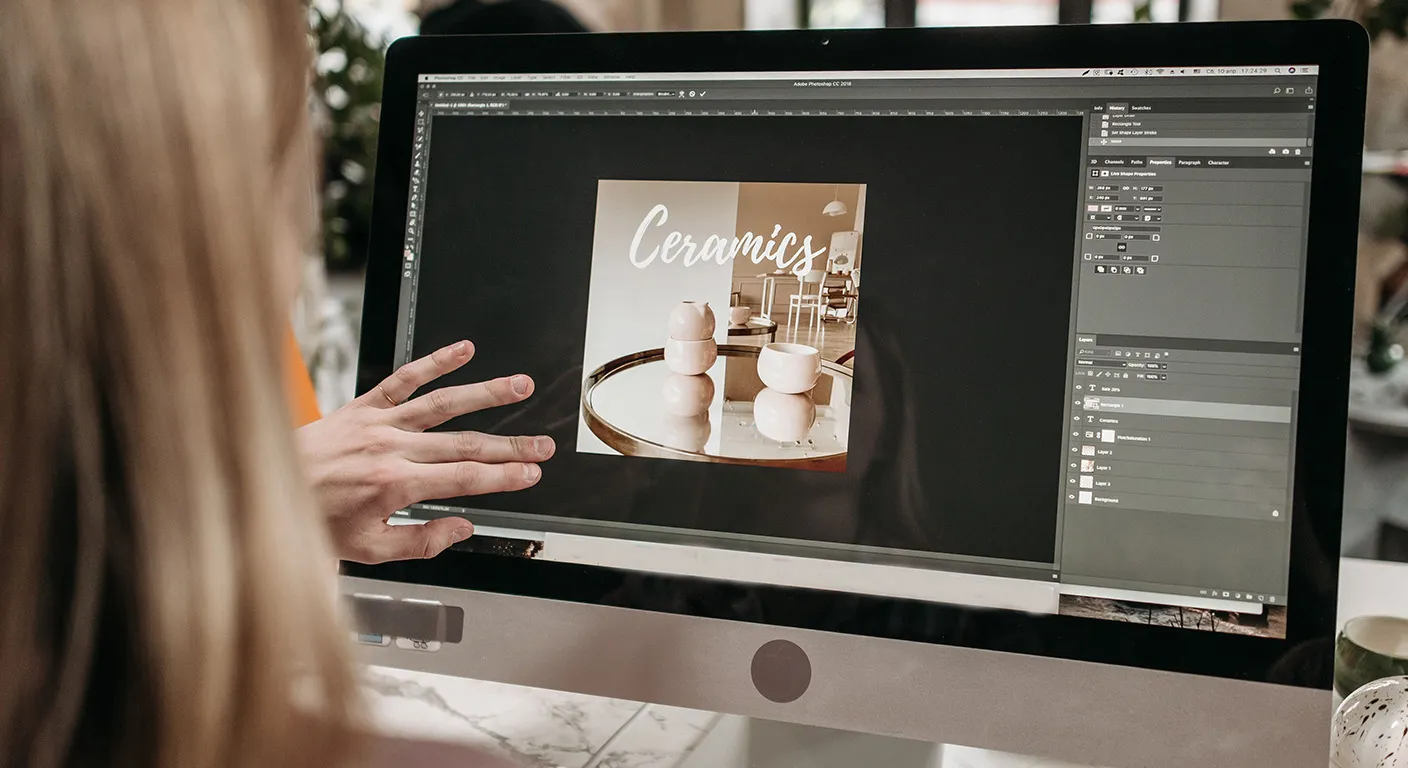
Editing refines the raw shots into polished final files. Keep changes natural so the product looks true to life.
Follow a simple sequence:
Free mobile apps handle basic work well. Desktop tools offer more precision for larger batches. Save a preset once you find a style you like. Apply the same preset across similar products to keep the catalog consistent.
Export files at the right size and resolution for each platform. Large files slow page loading. Optimized files load quickly and still look sharp.
Most customers browse and buy on mobile devices. Product photos must work well on smaller screens.
Crop key details so they remain visible when the image is scaled down. Test how the main image appears on a phone before publishing. Make sure text or small features do not disappear.
Compress files without visible quality loss. Many free tools reduce file size while keeping clarity. Faster loading pages improve both user experience and search performance.
Prepare multiple crops in advance. Square versions suit social feeds. Vertical versions work for stories and certain ad formats. Having these ready speeds up campaign setup.
As you add more products, manual photography becomes time-consuming. Plan a system early.
Group similar items and shoot them in batches. Use the same lighting and background setup for related products. This approach maintains visual consistency and reduces setup time.
For high-volume catalogs, professional support becomes practical. UploadToSell handles shooting and editing for multiple products at once. Their workflow fits into broader dropshipping operations that include sourcing and fulfillment. Sellers receive ready-to-use custom product photos without managing equipment or schedules.
Review your process every few months. Identify which image types drive the most engagement and expand those styles.
After publishing new photos, monitor performance data. Check product page conversion rates. Review ad click-through rates and cost per result. Look at customer questions related to product appearance.
If one angle or lifestyle scene performs stronger, feature it more prominently. Replace weaker images with improved versions. Small, data-based updates compound over time.
Keep a simple log of changes and results. This record helps you repeat successful approaches with new products.
UploadToSell delivers end-to-end visual services tailored to your requirements. Our team handles professional product photo shooting, video filming, post-production image editing, and quality inspection photography.

We create clean catalog images, detailed close-ups, lifestyle scenes, and promotional videos that match your brand style and campaign goals. Whether you need fresh photos for new listings, seasonal updates, or thorough quality-check shots before shipping, we provide ready-to-use files that help your products stand out and convert more effectively.
Knowing how to create high-quality product photos gives dropshipping sellers a practical advantage. Clear images help customers understand products quickly and decide with confidence. Custom product photos tailored to platforms and campaigns support stronger results across listings and ads.
You can begin with basic equipment and improve through planning, lighting, and consistent editing. When the catalog expands, services like UploadToSell provide professional custom product photos that maintain quality at scale.
Apply the steps in this guide to one product first. Measure the impact. Then expand the process. Strong visuals remain a reliable way to support conversions and present products effectively in 2026.