Phone:
+85295718875
Email:
support@just-wonders.com
Phone:
+85295718875
Email:
support@just-wonders.com
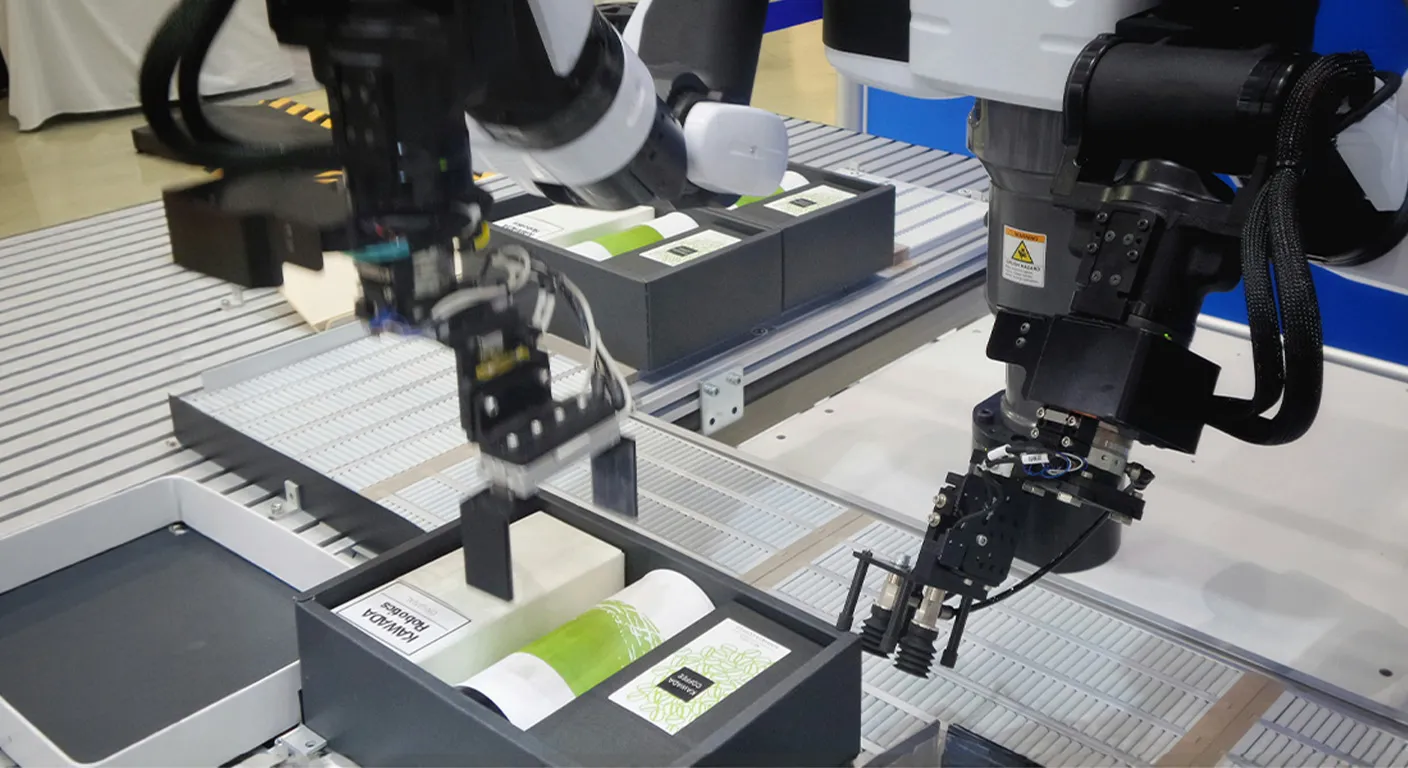
Automated fulfillment is the process of moving a customer order from checkout to delivery with little or no manual work. In 2026, it sits at the center of serious e-commerce fulfillment. Dropshippers who still paste addresses into supplier chats lose time and make avoidable errors. UploadToSell treats this workflow as a full path, not a single button. Orders sync, products get packed, labels print, and tracking goes back to the buyer while you focus on traffic and offers.
This guide explains the term in plain language. You will see how the workflow runs, who needs it, and how to start without building a warehouse team.
Automated fulfillment is a type of e-commerce fulfillment where order sync, packing, shipping, and tracking run through a connected system instead of copy-paste. After a customer pays, software and an operations team handle the repetitive steps. Your store does not need a person to copy the order, confirm stock, print a label, or type a tracking number.
Those steps usually include:
Basic dropshipping is not the same thing. Classic dropshipping still often depends on you forwarding each order by hand. Automated fulfillment closes that gap. The order moves through a connected system. You supervise results. You do not run every click.
It is also not a robot-only warehouse. Most dropshippers do not need aisle robots. They need clean data flow, reliable packing, and tracking that does not wait on a late-night paste.
UploadToSell builds this into a one-team model. Product sourcing, photos, packing, and shipping sit in the same process. That is what “From Order to Delivery — All in One Team” is designed to solve.
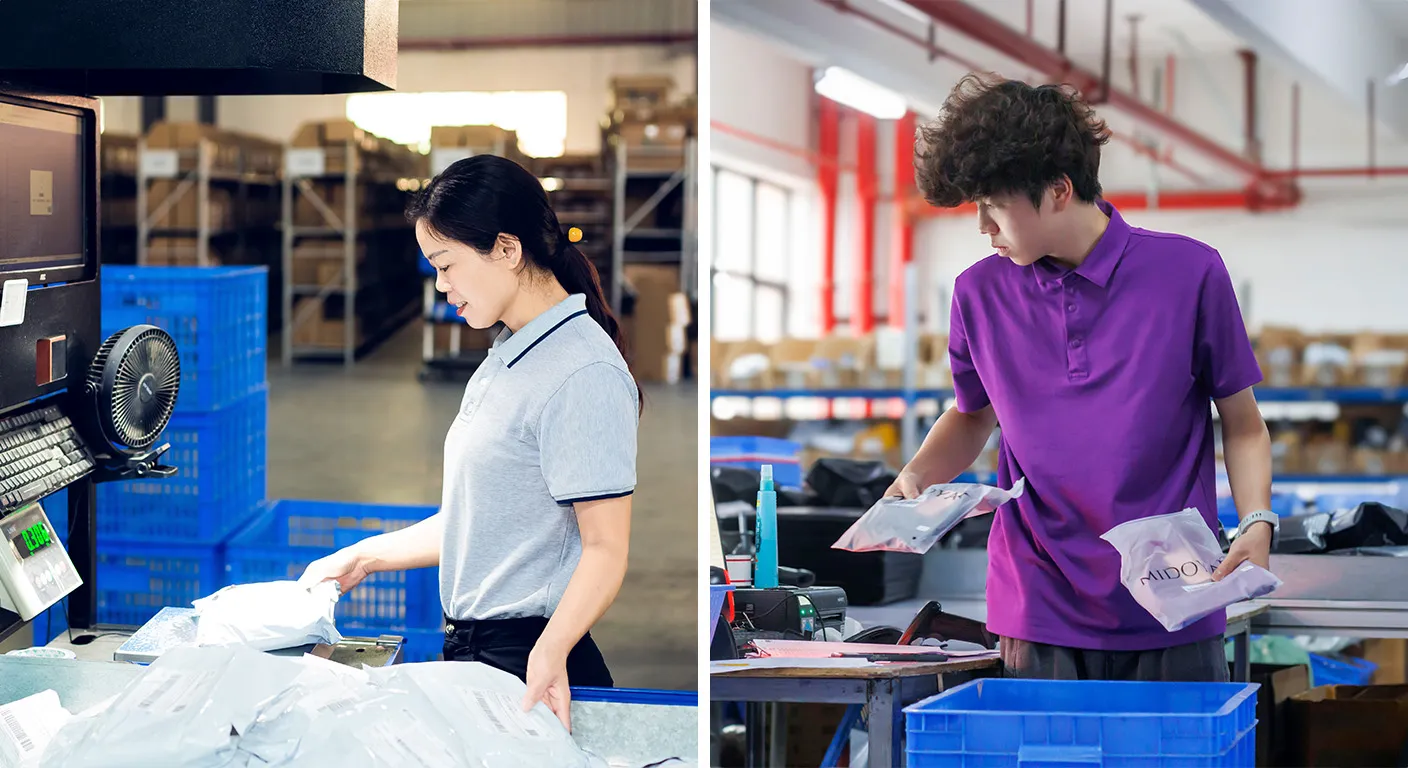
Customer expectations are higher than they were a few years ago. People want a tracking link soon after they pay. They want packaging that does not look like a random factory bag. They want a reply when something is late.
Manual work cannot keep up once daily orders rise. Common friction looks like this:
Automated fulfillment reduces that drag. It does not remove your need to choose good products. It removes the busywork that steals hours from research, creative tests, and customer experience.
E-commerce fulfillment is now part of the offer in the customer’s mind. Fast, clear delivery is not a back-office detail. Stores that still run logistics in a chat thread compete at a disadvantage.
The details vary by partner. The core path of automated fulfillment is similar for most dropshippers.
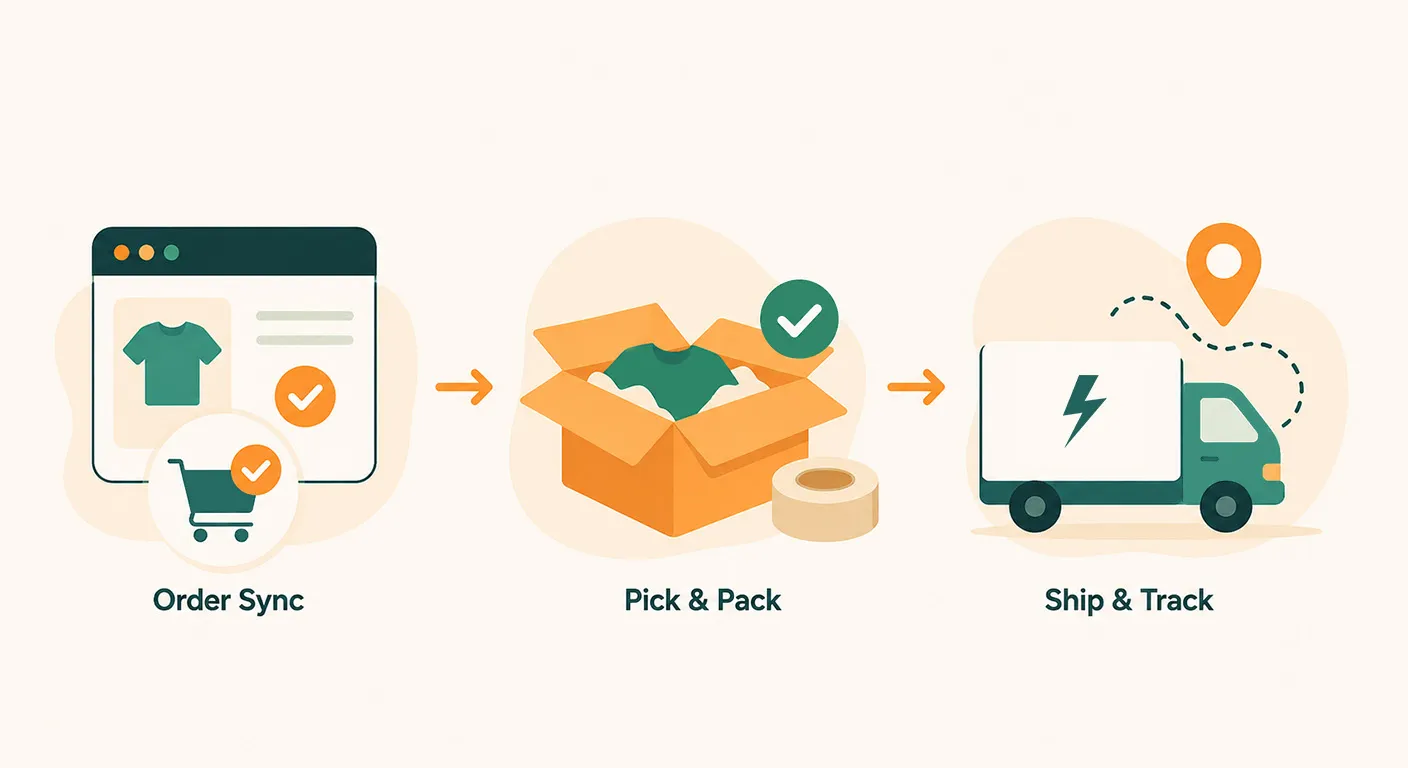
A customer completes checkout. The system pulls the order at once: SKU, quantity, shipping name, address, and service level.
No one retypes the address. That single change prevents a large share of “package sent to the wrong place” tickets.
If an item is out of stock, the system should flag it early. You then decide to substitute, delay, or refund. Waiting until a supplier replies three days later is how stores burn goodwill.
Once the order is confirmed, the warehouse or supplier picks the unit. Quality checks happen before tape goes on the box. This physical stage is where cheap, unmanaged suppliers often fail.
Good packing is not only about speed. It also covers:
Custom packaging and design can be added here. The parcel then feels like it came from your brand, not from a generic supplier.
After packing, a label is created and the carrier scans the parcel. Tracking should flow back to your store and to the customer without a separate email from you.
This is where automated fulfillment either feels “set and forget” or falls apart. If tracking is delayed, your inbox fills with the same question: “Has it shipped?”
Shop VA support covers shipping updates, logistics tracking, and after-sales issues. That keeps 24/7 status questions from landing on you. You still own the brand voice. The repetitive status work is handled.
Sellers switch for practical reasons, not slogans. Automated fulfillment shows up in the numbers in these ways:
None of this replaces product-market fit. The workflow protects the profit you already earned at checkout. Weak operations give that profit back in refunds and ad waste.
After you switch, track hours spent on order admin, time from payment to first scan, error rate, shipping-related refunds, and repeat “where is my order” tickets. If those metrics do not move, the setup is not doing its job.
Many tools only forward orders to a supplier. That is a thin version of automated fulfillment. UploadToSell treats operations as a full dropshipping stack, not a forwarding script.
The working path looks like this:
This is e-commerce fulfillment plus the work that makes the store sell: images, branding, and support.
You do not need to rebuild your store in a week. A clean start with automated fulfillment looks like this.
Ask a partner these questions before you scale ads:
Once you are ready, please contact us on UploadToSell and go over the workflow with the team.

Automated fulfillment is not a buzzword for warehouse robots. For dropshippers, it is a practical system. The order is captured. The product is packed. The carrier is booked. The buyer gets tracking without you doing it by hand.
E-commerce fulfillment now includes brand presentation and support, not only a shipping label. Stores that treat logistics as an afterthought leak time and reviews. Stores that productize the workflow can spend their week on offers and traffic.
UploadToSell puts automated fulfillment inside a wider dropshipping service: winner products, real photography, custom packaging, order processing, tracking, and virtual support. That is the point of an all-in-one team. You still own the brand. The repetitive path from payment to delivery does not have to own you.
If you want that path running in the background, start with one product, place a test order, and let the system prove itself before you scale ads.