Phone:
+85254973791
Email:
support@just-wonders.com

Phone:
+85254973791
Email:
support@just-wonders.com
A refund status shows what a payment flow recorded, not when a bank will post the credit. Learn what to check for Shopify Payments and other providers.
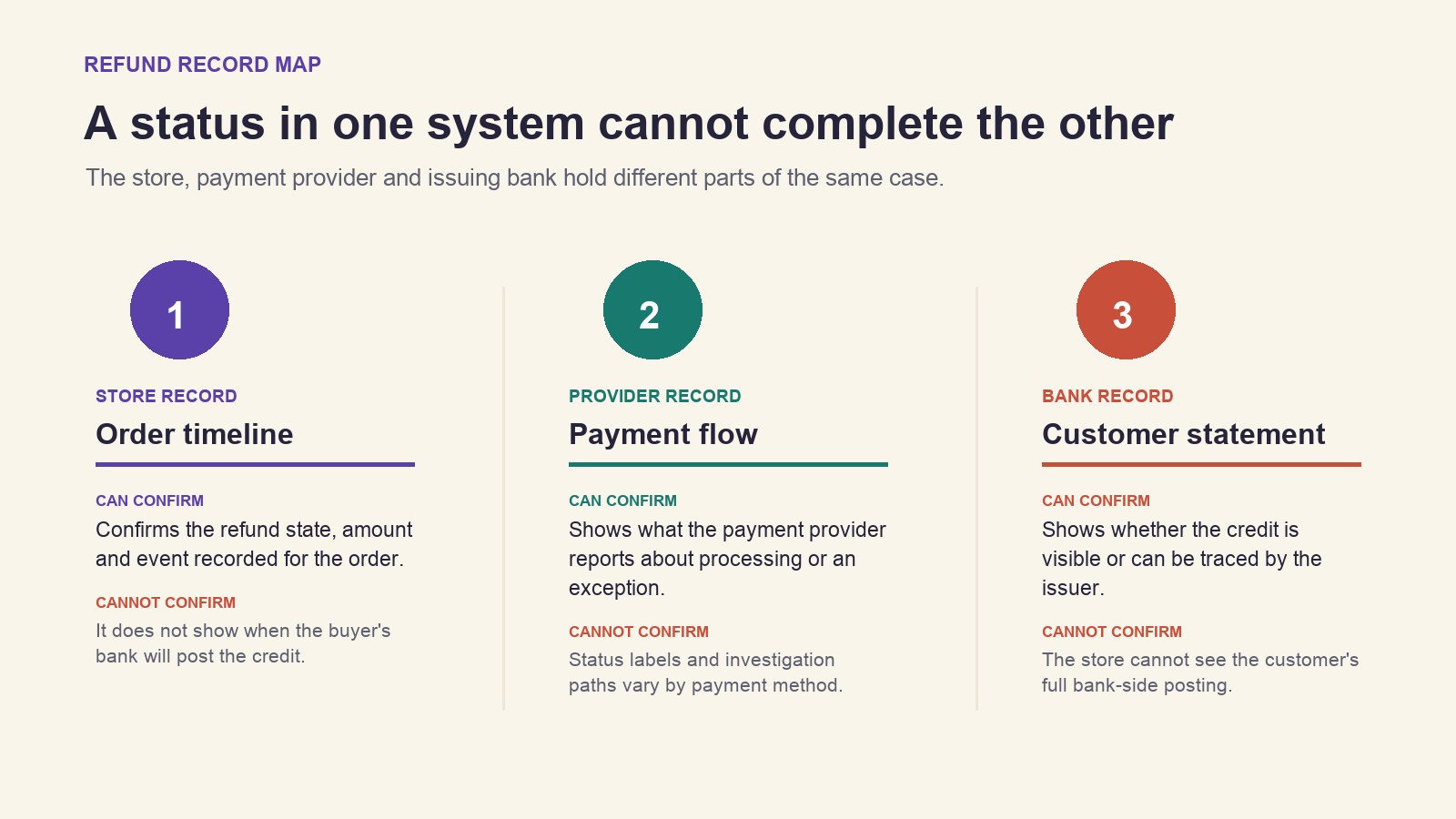
A customer says a refund has not appeared, while your store says it was processed. Those records can both be accurate: the refund status describes what the merchant-side payment flow recorded, while the customer’s bank controls when a credit becomes visible on a statement. That refund status is a processing record, not confirmation of a bank posting. Check the provider and payment method before promising a date or sending another payment.
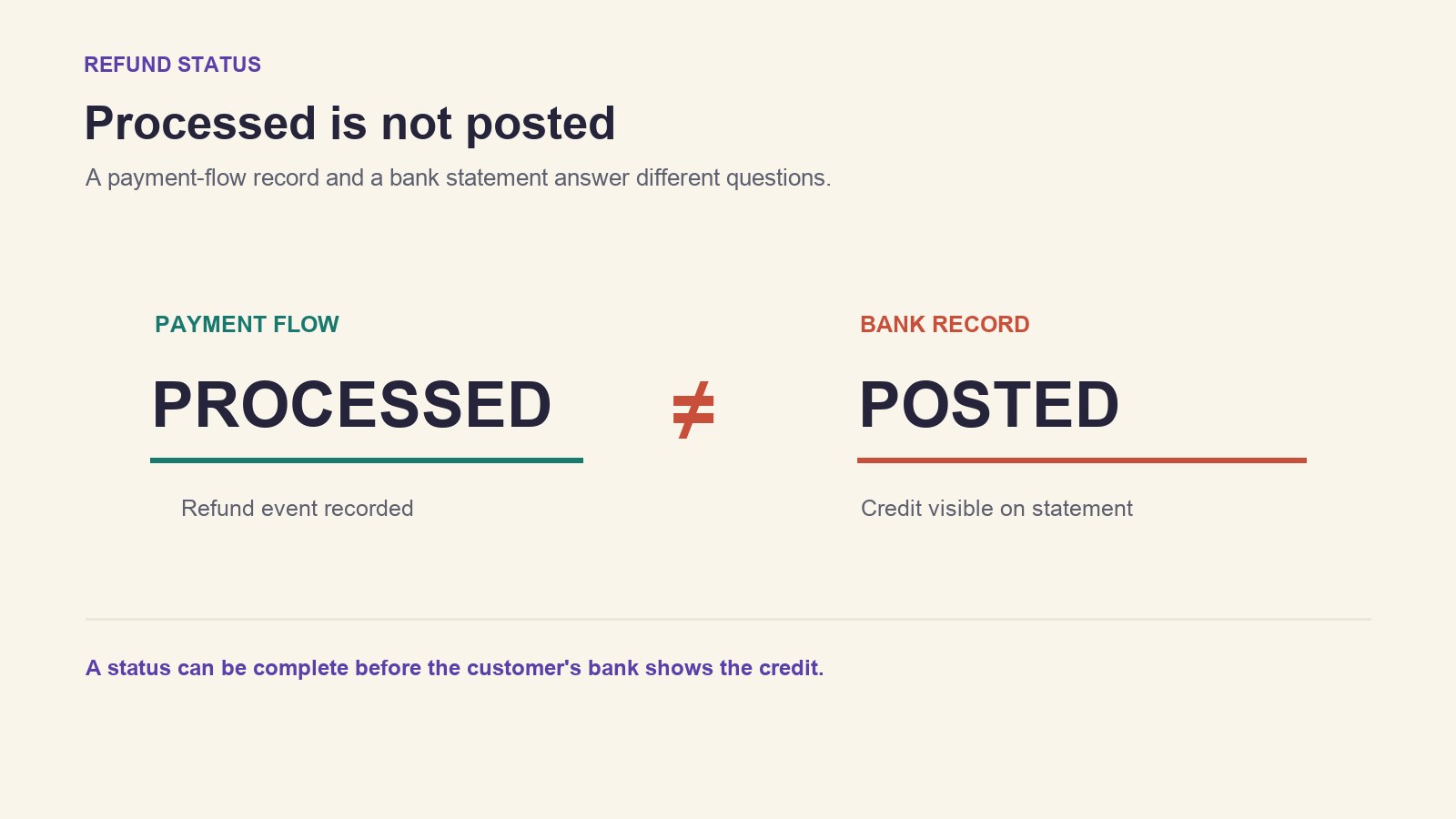
“Processed” answers a narrower question than “the customer can see the money.” A refund status in an order timeline is evidence about the payment flow’s record. It cannot show the buyer’s live bank balance or prove that an issuer has posted the credit. That distinction is useful when a buyer is worried, but it is not a reason to dismiss their report.
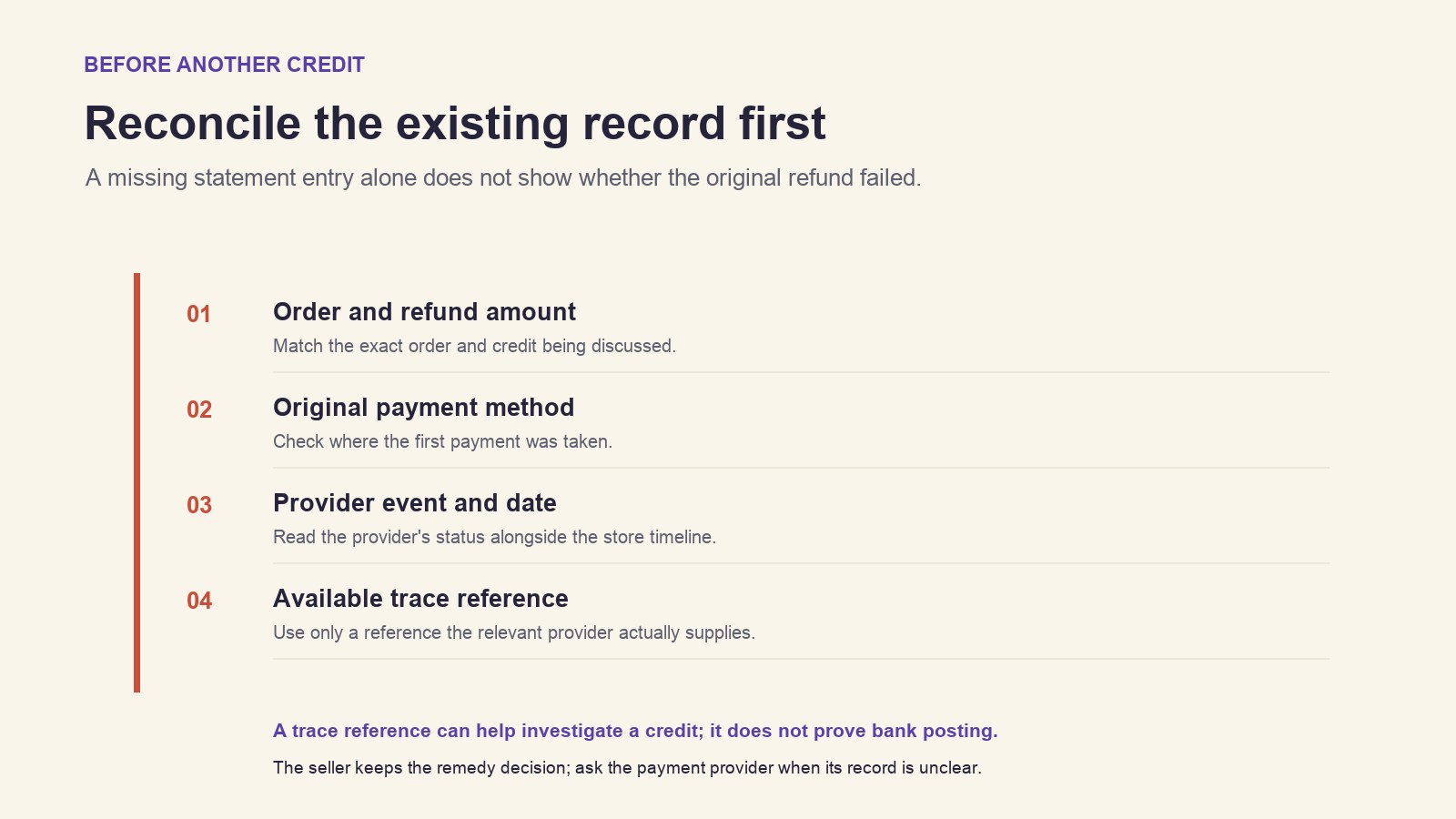
Start by matching the order, amount, original payment method, provider, and event shown in the timeline. A refund status labelled pending, failed, or processed calls for a different response. Read the refund status together with the provider’s event and the bank statement the buyer checked. If more than one payment method was used, the credit may be split across them. Confirm which part the buyer is asking about before describing the result.
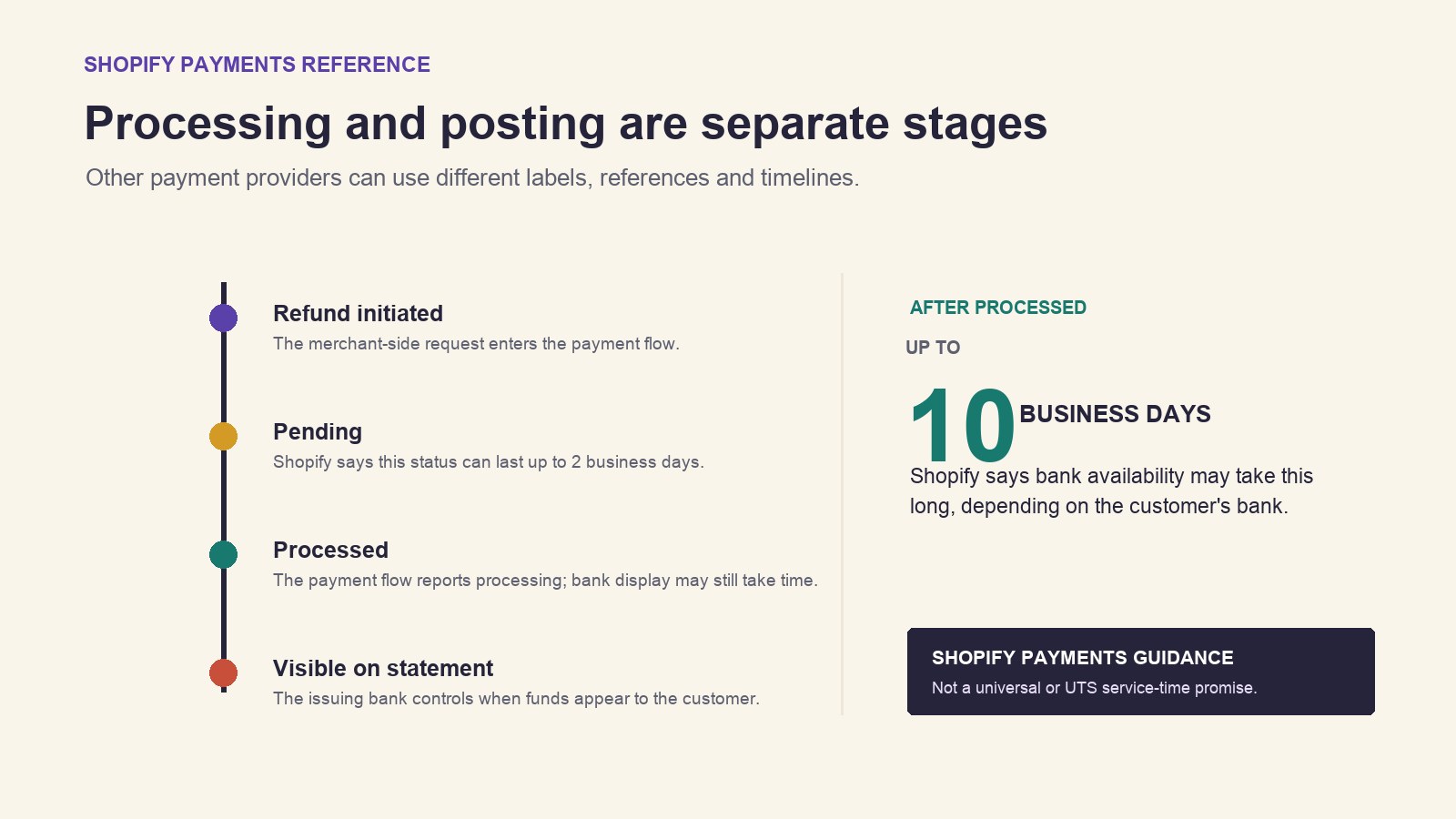
For Shopify Payments, Shopify’s Help Center says a refund may remain pending for up to two business days. After processing, the bank may take up to ten business days to make the funds available, depending on the bank. Those are Shopify’s current published guidance for Shopify Payments, not a deadline for every gateway, card, country, or store. The Shopify Payments refund timing describes processing and bank availability separately; a bank posting can lag the merchant-side status.
This difference matters when a customer says a refund is not received. A pending refund is still being processed; a processed refund may be waiting on the bank’s statement update. The refund status gives you a checkpoint, while the bank posting remains a separate event. If another provider handled the original payment, check that provider’s own transaction record and guidance. Do not copy Shopify Payments timing onto PayPal, a different card processor, or a manual transfer.
When you explain a refund delay, name the source of the status and what it does—and does not—confirm. The refund status should identify the payment flow, while the bank posting is the customer’s evidence that the credit is visible. For example: “Our order record shows the refund was processed through Shopify Payments on [date]. Your bank controls when it appears. If it is still missing after Shopify’s stated bank-processing window, we can check whether a trace reference is available.” This is more precise than telling the buyer that the money has definitely arrived.
If the refund status is unclear, first confirm whether the transaction is pending, failed, processed, or split across payment methods. Shopify says an initiated refund cannot be cancelled or reversed from the admin. A second payment is a separate customer remedy; it does not pull back an in-flight refund. Reconcile the original payment record and provider response before authorizing another credit. Until the refund status and payment record are reconciled, do not describe a second credit as a correction to the first.
For an eligible Visa or Mastercard refund through Shopify Payments, an Acquirer Reference Number (ARN) may be available in the order timeline. If the expected bank-processing period has passed, sharing an available ARN can help the customer ask their bank or card provider to trace the credit. It is a reference for an investigation, not proof that the buyer already sees the funds. A bank posting may be traceable even while it is absent from the statement view the customer first checked. Other payment providers may use different references or processes.
If the customer’s original card is closed or the bank cannot route an incoming refund, ask the customer to contact the bank or agency for that payment method and ask the provider what options remain. Keep a failed attempt distinct from a processed refund. Do not promise that a new method, store credit, or manual payment is available until the merchant has checked its policy and the provider’s requirements. For Shopify Payments, rely on Shopify’s case-specific status and any available ARN; for another provider, use its own trace process to investigate the bank posting.
For the official Shopify Payments conditions and the separate rules for other providers, see Shopify’s refund troubleshooting guidance. It explains where the Shopify order timeline, payment balance, and original payment method fit; use the relevant provider’s source for transactions it did not process.
A support team can coordinate a clear update without claiming to see a customer’s bank statement. The store remains responsible for its remedy decision and payment-account actions. UTS’s Shop VA service describes customer message support and refund coordination within ecommerce operations; that does not mean UTS can confirm a bank posting or decide whether your store should issue another refund.
If a support partner is helping with the conversation, share only the order reference, provider, payment method, amount, and relevant refund event through the agreed channel. Keep full card numbers and payment credentials out of support messages. Where the buyer is returning an item as well, remember that the financial remedy and physical parcel are separate questions; this guide to return costs and customer remedies explains that distinction without treating a return route as proof of a refund.
If you want help coordinating refund-related customer messages through Shop VA, contact UTS at +852 5497 3791 and review the prefilled request before sending it. The store, platform, and service selections remain optional; a payment trace still has to come from the relevant payment provider or bank.