Phone:
+85295718875
Email:
support@just-wonders.com
Phone:
+85295718875
Email:
support@just-wonders.com
Define product photo delivery for your store: finished crops, reusable views, background needs and clearly identified files, with the scope agreed before shooting.
A useful product photo delivery gives you the finished pictures you need now and any agreed versions you need for later use. A tightly cropped square may suit one product card but leave too little room for a wider page layout. Receiving an attractive preview does not establish that you will get a larger, less cropped version, a transparent background or the photographer’s working files. Define those results before the shoot.
For a dropshipping seller who does not handle the product, this is a service request, not a photography assignment. Show UTS the item, variants and places where the pictures will appear. The team plans, photographs and edits the commissioned content; you confirm the desired result. Product photo delivery should identify which image files are included so that your designer or store team can use them without guessing what was purchased.
A product page, collection card and wide page header may need different compositions. Show the actual placements or a useful reference, including whether the layout puts words beside the product. Naming a platform alone leaves that question open: two stores on the same platform can display the same photo very differently. You do not need to prescribe camera settings or design the shoot yourself.
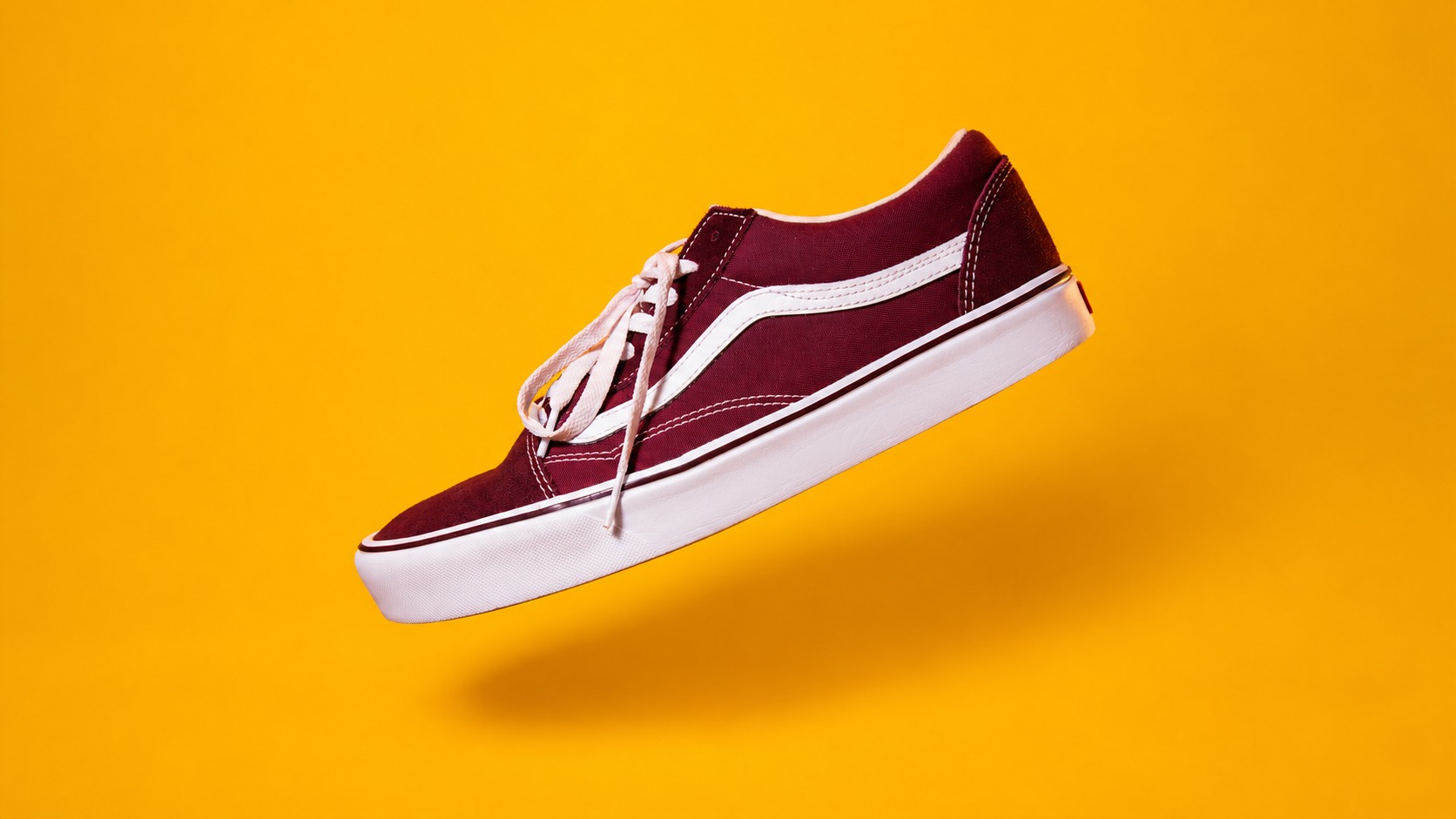
The shoe pictured here has its toe and heel visible, with space around the complete outline. That space gives an editor choices when preparing different crops. It cannot supply a view of the sole that was never photographed. For product photo delivery, separate requests for another framing of an existing view from requests for genuinely different views of the item.
Our guide to a product photo brief explains how to describe missing details, scale and demonstrations. Once those views are agreed, this next decision concerns the image files you receive from them. Ask whether product photo delivery includes only the selected finished crops or also a larger finished version retaining the photographed space around the item.
Shopify’s product-media guidance explains that uploaded images generate different display sizes and that the theme affects their exact presentation. Those display versions do not replace a missing angle or restore a toe removed from the supplied crop. Let the photography team prepare image files for the uses you have identified, while keeping store upload and theme adjustments as separately agreed work.
People use ‘original’ for several different things: a large finished photograph, a camera file before editing, or an editable project containing separate layers. They are not interchangeable. A seller who wants room for later cropping may only need the first. Explain the intended reuse instead of asking for originals and assuming the provider understands the same deliverable.
A larger finished version can preserve more usable detail than a small web export, but it is still a finished image. If your designer needs camera originals or layered working files, raise that requirement separately. Product photo delivery does not automatically include either. The proposal should state which image files will be supplied and what further editing they are intended to support.
The watch illustration has a white background and a soft shadow. White is still part of the picture; it is not an empty area through which a new page color will show. If you want the product placed over another background, explain that result. Ask whether suitable image files with transparency can be offered, including how the product edges and shadow should appear.
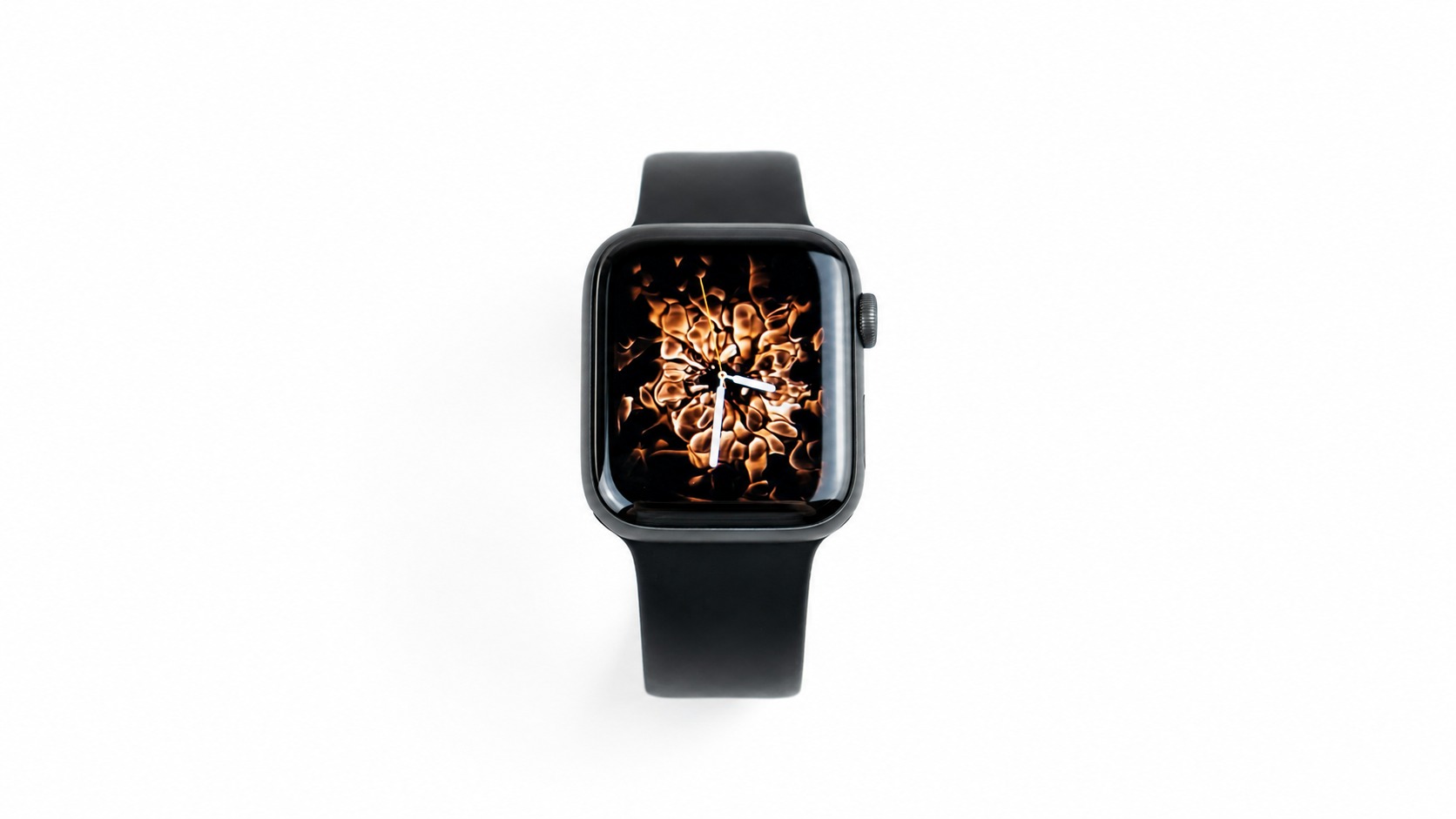
A filename ending in PNG is not, on its own, confirmation that the background is transparent. Nor does a transparent cutout necessarily include a separate shadow or an editable scene. For product photo delivery, ask for the agreed visual result as well as a file type the receiving team can use. UTS’s public service description does not make camera originals, layered files or background separation automatic inclusions.
The cosmetic tube pictured among leaves is a complete scene. The leaf, droplets and dark surroundings contribute to the finished appearance. Removing that background is a different editing request from exporting a smaller copy. If you want both a scene picture and a plain product view, make both results part of the proposed product photo delivery rather than treating one as a free substitute for the other.
Product variants also need clear coverage. A photograph of one color does not establish that every color has been photographed. Ask which actual variants will be shown, and which views belong to each. The image files should be identified clearly enough for your team to connect them to the intended product version, without needing to reconstruct the shoot from a folder of similar thumbnails.

Distinguish the number of photographs from the number of exported versions. A square and a wide crop of the same view are two outputs, but they do not add a second angle. For product photo delivery, confirm what the stated quantity counts: selected views, photographed variants, edited pictures or additional crops. This makes a proposal understandable without turning the seller into the production manager.
Changes to the real product can require different work from changes to a file. Correcting an agreed crop is one request; showing a revised label or a newly added accessory may require updated content. Explain what has changed and ask which image files need replacement. Do not ask an editor to make an old photograph imply that an unphotographed version is already the one customers will receive.
A shared gallery can help you select pictures, but selection previews are not necessarily the final downloadable versions. Ask how product photo delivery will reach you or your nominated designer, which versions will be available, and whether access has a stated end date. Do not assume that a preview link is permanent storage or that future edits remain available indefinitely.
UTS’s photo and video service describes a process from content brief and creative plan through studio production, editing and ready-to-use delivery. Actual deliverables depend on the project. You can commission photography on its own, with the product and sample arrangement confirmed separately. Platform uploading, template design and later adaptations should be discussed if you need them, rather than assumed from the phrase ready-to-use.
Send the product reference, chosen variants, actual placements and an example of the appearance you want. Say whether you need finished crops only, a reusable larger view, a plain background or another particular output. Ask the proposal to identify the image files, receiving method, intended use rights and included corrections, alongside project-specific charges and timing. That gives product photo delivery a practical endpoint: the agreed pictures in the hands of the person who will use them.